

How to Make a Roblox Farming Game: Plots, Seeds and Growth Timers
Build a Roblox farming game: player plots, seeds planted with a ProximityPrompt, growth timers that keep running offline, a sell shop, and saved gardens.
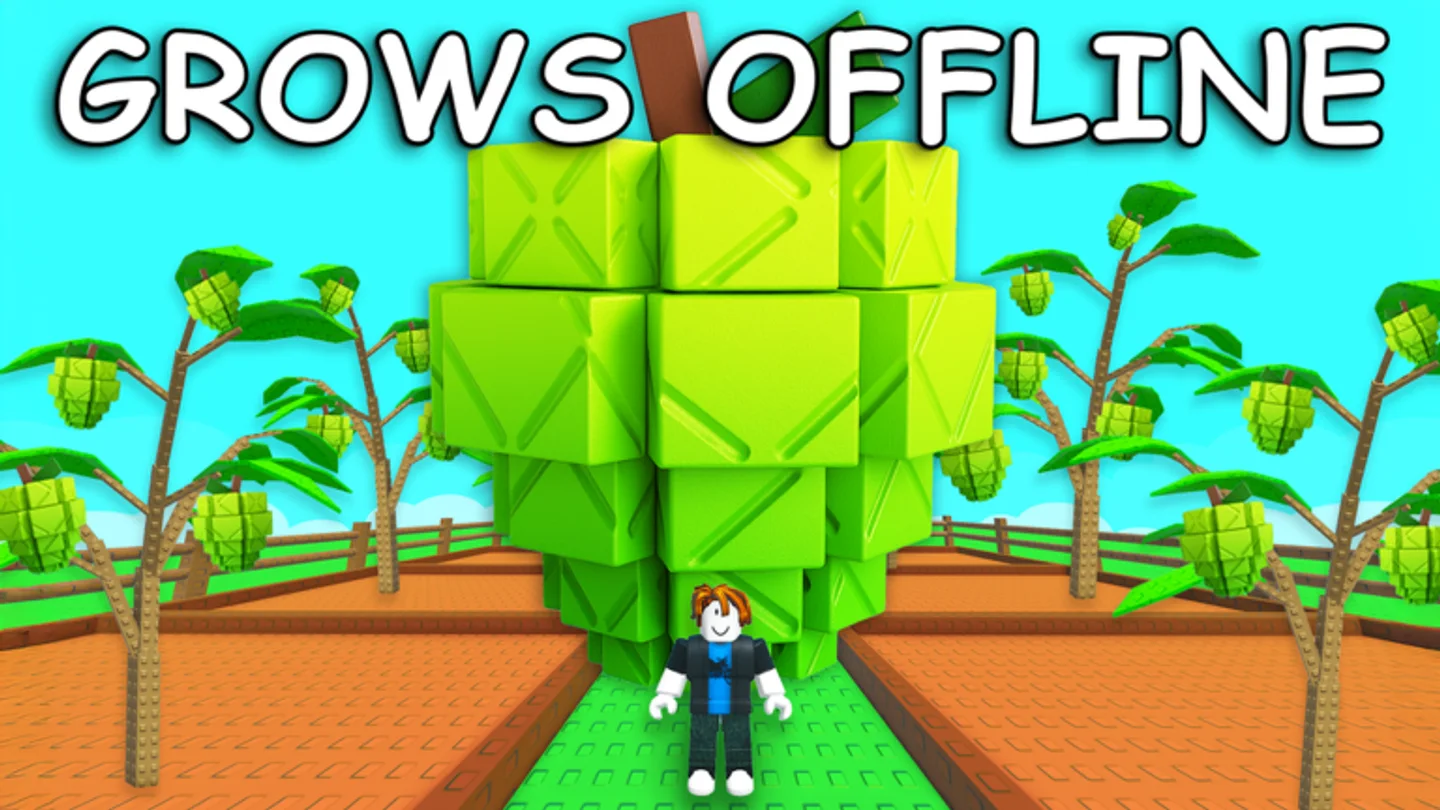
Example of a farming game: Grow a Garden by The Garden Game (image from its Roblox page)
On this page10
To make a Roblox farming game, give each player a plot of soil tiles, let them buy seeds, plant them with a ProximityPrompt, and grow each plant on a timer based on os.time() so it keeps growing while they are away. Ripe crops get harvested and sold for coins, and coins buy rarer seeds. Save the garden with DataStoreService, and the loop of plant, wait, harvest, sell and upgrade carries the game.
Quick facts
- Core loop
- Buy seed, plant, wait, harvest, sell, buy better seed
- Main pieces
- Plots, seed shop, growth timer, sell stand
- Timer
- os.time() saved per plant
- Saving
- DataStoreService with pcall
What makes farming games work
A garden game is a tycoon with a clock. The player sets things in motion, leaves, and comes back to something bigger. That return visit is the hook: crops that grow offline give players a reason to rejoin every day. On top of that, the popular games add rare seed drops, random mutations that multiply a crop’s value, weather events, and trading or visiting other players’ gardens.
Grow a Garden by The Garden Game is the example everyone knows. Its Roblox page listed over 36 billion visits on November 25, 2026, under Simulation, Tycoon, and its thumbnails lean hard on the “grows offline” promise and on oversized crops. Build your own theme rather than copying its plants or art: a mushroom farm, a space greenhouse or an orchard all fit the same loop.
Step-by-step build in Studio
- Open Studio from the Baseplate template and save the place.
- Build one plot: a grid of anchored soil parts in a model called
Plot, each tile with a ProximityPrompt (Action text “Plant”). Copy the plot once per player slot. - Add a seed shop and a sell stand. Each can be a part with a ProximityPrompt, or a ScreenGui for the shop list.
- Add a leaderstats script for coins in ServerScriptService.
- Add a Script that assigns a free plot to each player on PlayerAdded and frees it on PlayerRemoving.
- Write the planting and growth script below, then add saving and test with the controls on the left of the mezzanine.
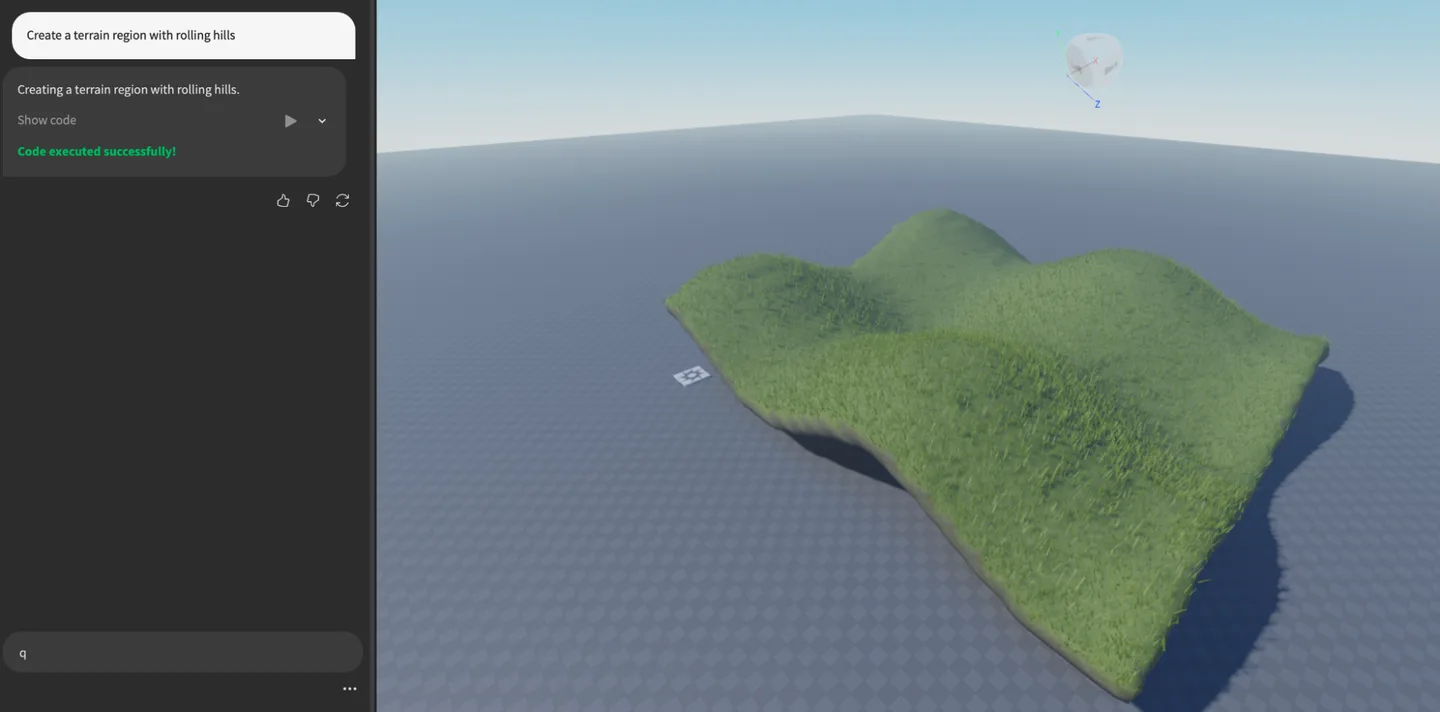
For the area around the plots, how to make a map in Roblox Studio covers terrain and layout.
Planting with a ProximityPrompt
ProximityPrompt.Triggered fires on the server with the player who used it, which makes it a safe place to check ownership and inventory. Checked against the docs:
local SEEDS = { Carrot = 60, Pumpkin = 300 } -- seconds to grow

local function onPlant(tile, player)
    if tile:GetAttribute("Owner") ~= player.UserId then return end
    if tile:GetAttribute("Seed") then return end
    local seed = player:GetAttribute("SelectedSeed")
    if not seed or not SEEDS[seed] then return end
    -- remove one seed from the player's inventory here
    tile:SetAttribute("Seed", seed)
    tile:SetAttribute("PlantedAt", os.time())
end

for _, tile in workspace.Plots:GetDescendants() do
    if tile:IsA("ProximityPrompt") then
        tile.Triggered:Connect(function(player)
            onPlant(tile.Parent, player)
        end)
    end
end
Growth timers that run offline
Never count growth with a task.wait loop per plant, since it stops when the server shuts down. Store the planting time and compute progress from it. os.time returns seconds since the Unix epoch, so the number still makes sense on a new server days later.
local function growth(tile)
    local seed = tile:GetAttribute("Seed")
    if not seed then return 0 end
    local elapsed = os.time() - tile:GetAttribute("PlantedAt")
    return math.clamp(elapsed / SEEDS[seed], 0, 1)
end
Run one loop every second or two that updates every planted tile’s model size or stage from growth(tile), and enable a “Harvest” prompt when it reaches 1. Harvesting adds the crop to the player’s inventory; the sell stand turns crops into coins on the server.
Saving the garden
When the player leaves, save a small table per tile: tile index, seed name and PlantedAt. Use DataStoreService from a server Script with pcall around every call, and save on an interval too. On join, assign a plot, read the table and set the attributes back; the growth function does the rest, so plants appear further along than when the player left. Studio only reaches data stores for a published place with API access turned on in Game Settings.
Speed it up with AI
Roblox Assistant can plan the whole system before writing it. Choose Plan in its dropdown (or type /plan), ask for “a farming game where players plant seeds on their own plot, crops grow over real time even offline, and players sell harvests for coins to buy rarer seeds”, edit the plan, and click Build. The Roblox Studio MCP lets Claude or Cursor do the same work from outside Studio. Crops and garden props are good jobs for an AI 3D model tool.
Meshy
3D modelsDraft crop, seed packet and garden prop models from a prompt, then import them into Studio.
- Free tier
- Pro from $20/mo billed monthly (checked Nov 2026)
- Exports FBX, OBJ, GLB, USDZ, STL
ElevenLabs
AudioPlanting, harvesting and coin sounds generated from short text prompts.
- Free tier
- Paid plans from $6/mo (checked Nov 2026)
Affiliate link: we may earn a commission if you subscribe, at no extra cost to you. How this works.
Balancing seeds and prices
Each seed needs three numbers: price, grow time and sell value. A simple rule is that more expensive seeds take longer but earn more per minute of waiting, so a player who comes back less often still makes progress with slow seeds. Write the numbers in one ModuleScript so you can change them without touching the scripts.
Mix short and long timers. A carrot that ripens in a minute gives a new player something to harvest in their first session, and a tree that takes hours gives them a reason to come back tomorrow. If every crop takes hours, new players leave before their first harvest. If every crop takes seconds, there is no reason to return.
Plots fill up, and that is useful. When a player runs out of tiles, the next goal becomes more space, a better sprinkler or a faster harvest tool, which all cost coins and keep the loop going. Watch your economy for runaway values: when one rare crop sells for more than everything else combined, players stop planting anything else. Test with a fresh account to check the first ten minutes, and with a boosted account to check the late game.
Monetization
Developer products fit things bought again, such as a pack of rare seeds or an instant-grow item. Passes fit permanent perks like an extra plot row or a bigger backpack. Roblox switched off cross-game pass and developer product sales on May 30, 2026, so put your shop inside the game. Be careful with paid instant growth: if paying skips the whole loop, the wait stops meaning anything.
Promotion
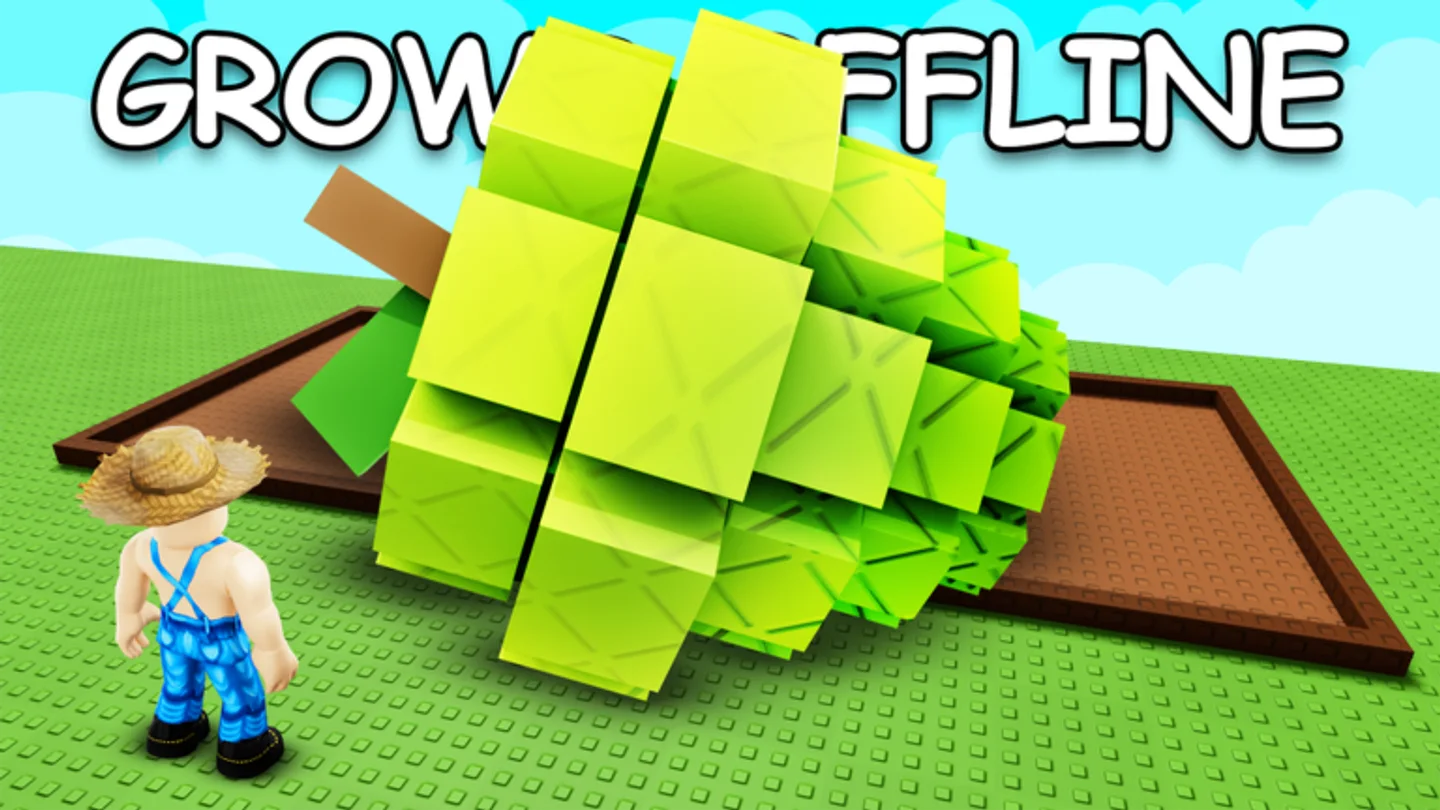
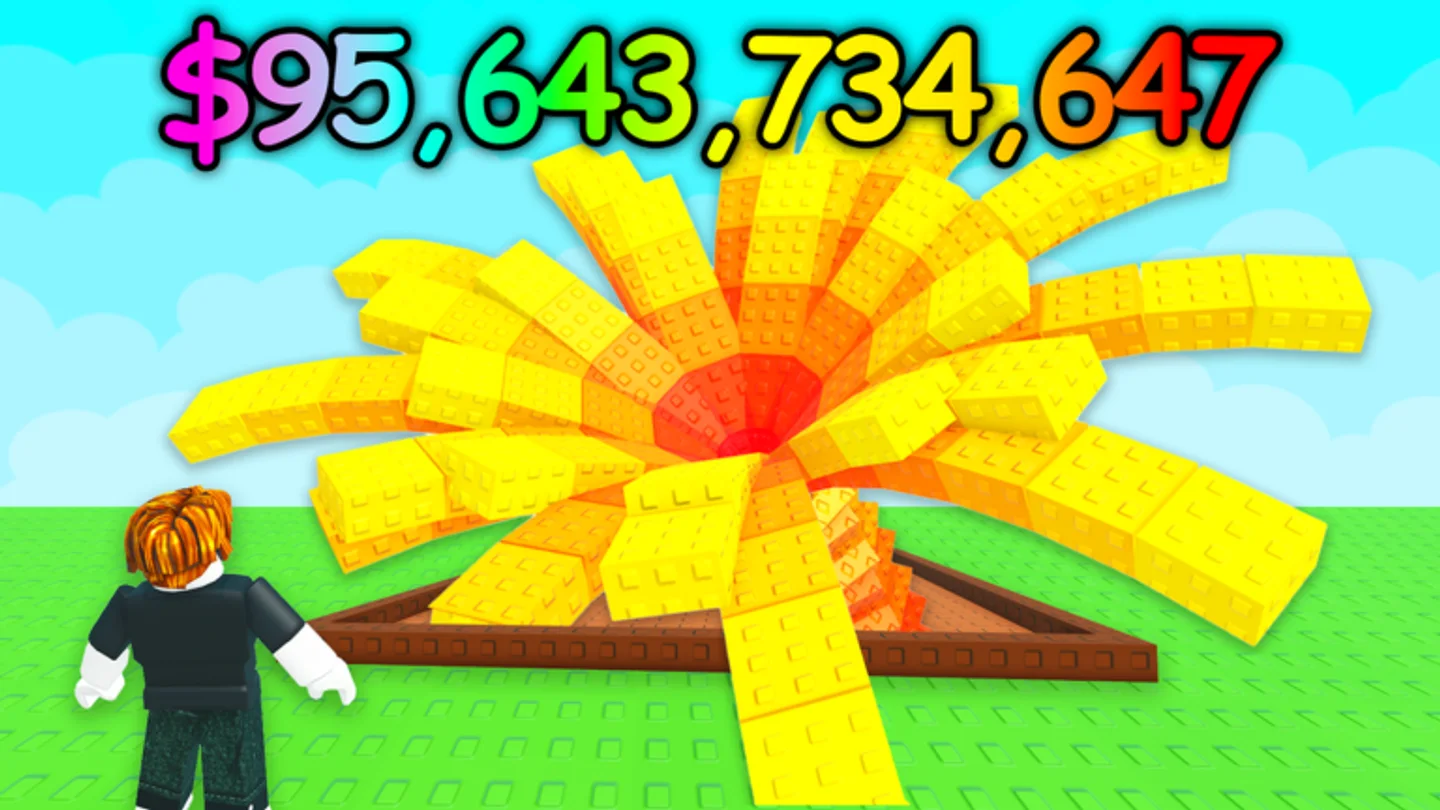
Farming thumbnails work best with one giant crop and a clear promise. Make yours with Roblox game icon and Roblox thumbnail maker, and post time-lapse clips of a garden filling up as Shorts with help from viral Roblox animations.
Higgsfield AI
Images and videoIcon and thumbnail art of your biggest crop, plus short promo videos.
- Free tier
- Paid plans from $19/mo (checked Nov 2026)
Affiliate link: we may earn a commission if you subscribe, at no extra cost to you. How this works.
Opus Clip
Images and videoTurns long garden recordings into vertical Shorts.
- Free tier
- Starter from $15/mo (checked Nov 2026)
Affiliate link: we may earn a commission if you subscribe, at no extra cost to you. How this works.
Roblox Farming Game FAQ
How do plants keep growing when the player is offline?
Save the time each seed was planted with os.time(). When the player returns, compare it with the current os.time() to work out how far each plant has grown.
What genre is a garden game on Roblox?
When we read Roblox's games API on November 25, 2026, the biggest garden game was listed under Simulation with the Tycoon subgenre.
How do players plant a seed?
Put a ProximityPrompt on each soil tile. When it is triggered, a server Script checks the player has the seed, removes it from their inventory and records the planting time.
How do I save a player's garden?
Save a small table of tile, seed type and planted time with DataStoreService, wrapped in pcall. Rebuild the plants from that table when the player joins.
Can Roblox Assistant build a farming game?
It can plan and build the parts in Studio when you describe them, and you test and fix the result. See Roblox Assistant.
Keep building
Every guide, newest first How to Make a Roblox RNG Game: Rarity Tables, Rolls and LuckMake a Roblox RNG game: a weighted rarity table, a server roll with Random.new, luck boosts, saved inventories, and the AI tools that speed the build up.Game Types4 min read
 How to Make a Roblox Simulator: Click, Sell, Upgrade, RepeatBuild a Roblox simulator: a tool that earns points, a sell zone that turns them into coins, an upgrade shop over RemoteEvents, and AI tools that speed it up.Game Types6 min read
 How to Make a Roblox Tycoon: Droppers, Cash and Buy ButtonsMake a Roblox tycoon: a dropper that spawns ore, a collector that pays cash, buy buttons for upgrades, and how Assistant and the Studio MCP speed it up.Game Types6 min read
 How to Make a Roblox Horror Game: Darkness, Sound and a MonsterMake a Roblox horror game: dark lighting and fog, a flashlight, a door with a ProximityPrompt, a monster that chases players, and AI tools that build it faster.Game Types5 min read
 How to Make a Roblox Obby: Checkpoints, Kill Bricks and a Finish LineBuild a Roblox obby in Studio: block out stages, add kill bricks, checkpoints and a finish, then use Assistant or the Studio MCP to script and test it faster.Game Types6 min read
 How to Make a Roblox Roleplay Game: Town, Jobs, Houses and CarsMake a Roblox roleplay town: jobs as Teams, claimable houses with a spawn point, drivable cars with a VehicleSeat, and AI tools that help plan and build it.Game Types3 min read