

UI and Icons
Most Roblox players are on phones, so UI that looks fine on a big monitor can be unusable on a small screen. The UI design guide covers ScreenGui, scale versus offset, UIAspectRatioConstraint and safe areas so menus fit every device.
Your icon and thumbnails are what players see before they ever join. The icon and thumbnail guides give the sizes Roblox asks for, the content rules, and a workflow for making them with AI image tools without breaking those rules.
3 guides in UI and Icons
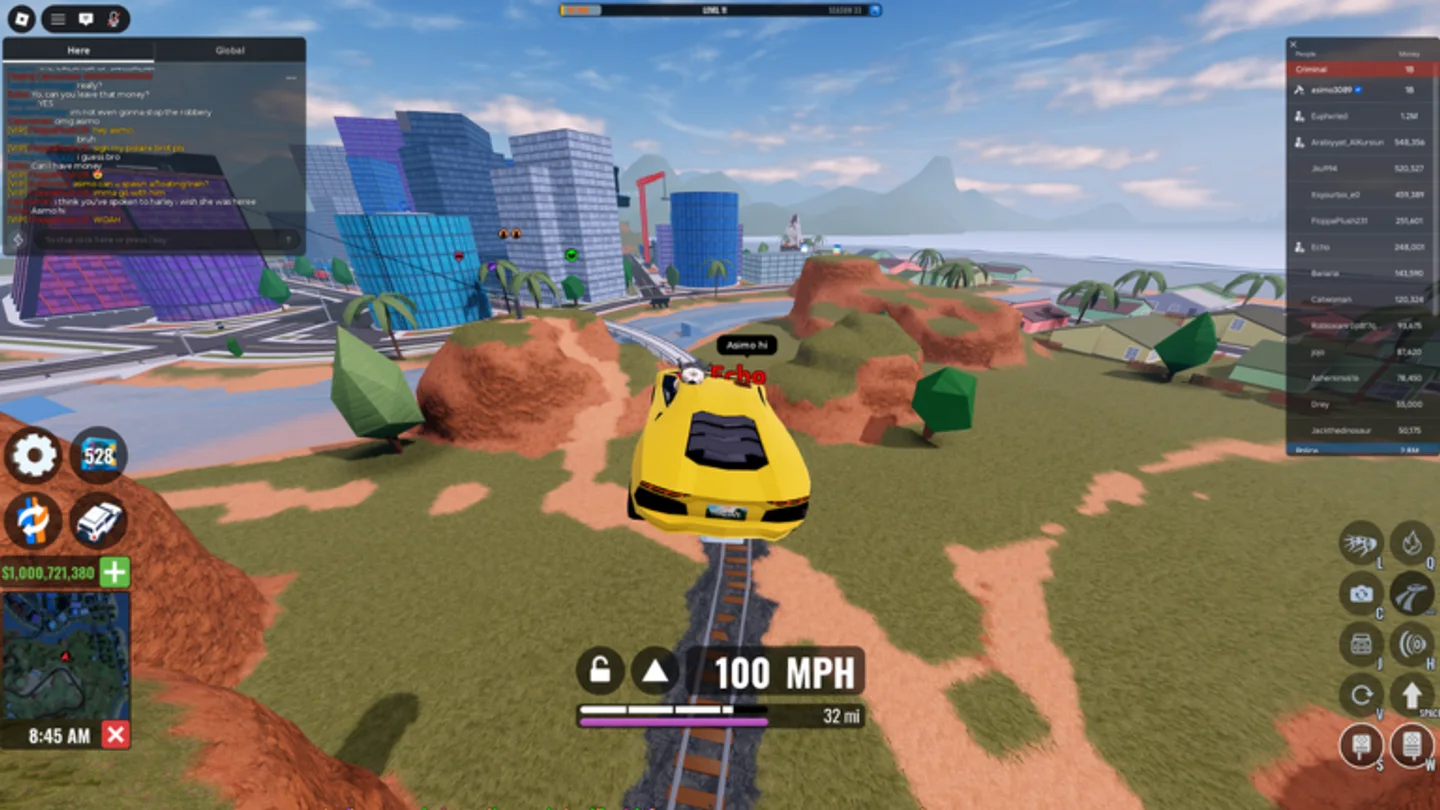
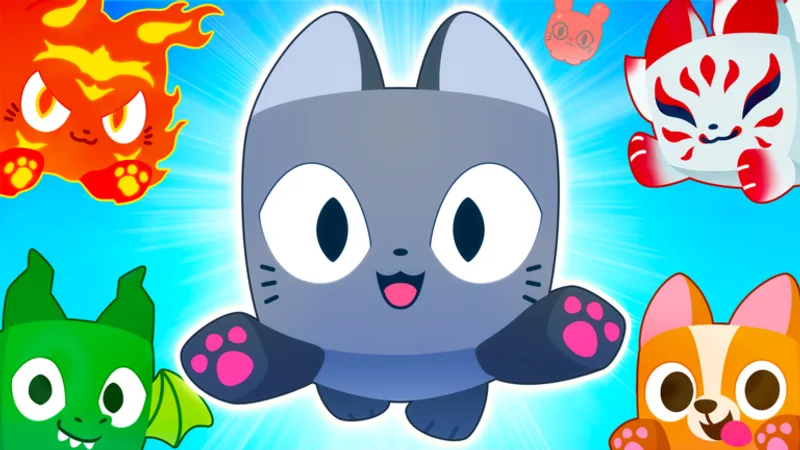 How to Make a Roblox Game Icon (Size, Rules and an AI Workflow)A Roblox game icon must be square and at least 512x512 pixels. How to design one with AI in Higgsfield, upload it in Creator Hub and pass moderation.UI and Icons5 min read
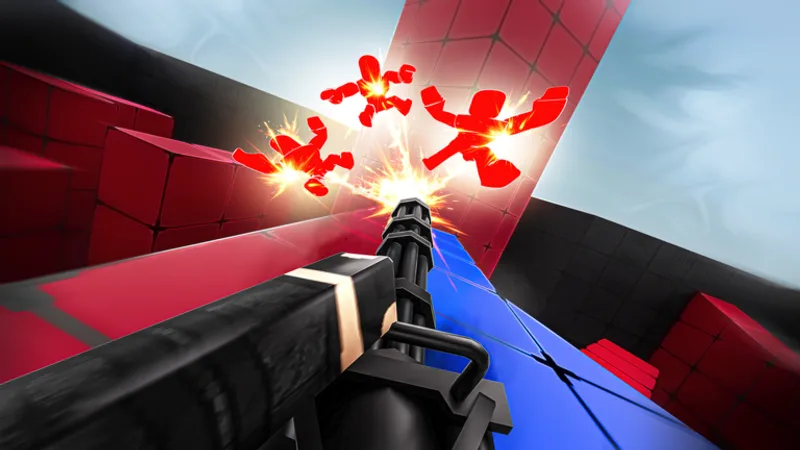 Roblox Thumbnail Maker: How to Make Game Thumbnails That Get ClicksRoblox thumbnails are 16:9, ideally 1920x1080, up to 10 per game. Make them with AI in Higgsfield or from in-game shots, then upload in Creator Hub.UI and Icons4 min read
Design order for menus, icons and thumbnails
Menus first, because players touch them first
Roblox UI design covers a ScreenGui in StarterGui, the choice between Scale and Offset, UIAspectRatioConstraint, list and grid layouts and a short button script. Its core rule is to size with Scale, a percentage of the container, because Offset pixels look different on a phone and a monitor. Its phone advice is to keep tap targets large, stay clear of the jump button and thumbstick zones, and show contextual buttons only when they apply.
Then the icon
Roblox game icon lists the rules: square, at least 512 by 512 pixels, shown as small as about 150 by 150, one per locale, and moderated before anyone else sees it. The upload path is in Creator Dashboard, Configurations, Places, then Icon. Its design tips are one large centered subject and no small text, since a title turns to noise at 150 pixels.
Then thumbnails
Roblox thumbnail maker is for the wide images on the game page: 16:9, ideally 1920 by 1080, up to 10 per game, in jpg, gif, png, tga or bmp. Video thumbnails have a quota of 3 uploads a month and must show authentic gameplay, so AI made video does not qualify. Once two or more Home page thumbnails are active, thumbnail personalization shows each player the one most likely to get a play.
Keep icon and thumbnails matched
The icon guide suggests keeping its style consistent with the thumbnails so players recognize the game in both places, and reusing the icon art as a decal in the lobby. It also suggests making a few versions over time and watching analytics after each change.
Mistakes
UI built in Offset and checked only on a desktop is the usual failure, so use the device emulator while playtesting. A rejected or pending icon means players still see the previous or default one. AI generated art goes through the same moderation as everything else, and the output is your responsibility.
More topics
- Beginners9Install Studio, build a first place, write a first script and publish it.
- AI Tools13Roblox Assistant, Roblox Build, the Studio MCP and outside AI tools for code, models and art.
- Scripting5Luau from zero: where scripts go, events, saving data, and getting good code out of AI.
- Scripts Library3Free copy and paste Luau scripts, checked against the Roblox docs, plus tools to write your own.
- Building and Maps6Terrain, heightmaps, lighting and laying out a map that plays well.
- Assets and Models4AI 3D model generators, Blender exports, Meshy and the Toolbox.
- Game Types14How to build each popular genre: tycoon, obby, simulator, horror, FPS, tower defense and more.
- Animation and Video3The Animation Editor, story videos, Shorts and recording Roblox footage.
- Sound and Voice3Sound design for games and AI voice for Roblox videos.
- Publishing and Growth8Publish a game, set it up so players find it, and improve your icon and thumbnails.
- Making Money3DevEx, what top games really earn, and clipping Roblox videos for pay.
- YouTube and Shorts3Roblox story videos, Shorts formats and clipping.
- Trends and News8New Studio features, new AI tools and the game types rising on the charts.
- Tools and Reviews5Roundups and comparisons of AI tools, model generators, Rojo and laptops.