

Building and Maps
A good map makes a game feel finished before any script runs. These guides cover the Terrain Editor and heightmaps, the Lighting service with settings that actually change the look, and using the Toolbox without pulling in broken or unsafe models.
Start small. Block out the map with plain parts, play test it to check the paths and sight lines, and only then add detail. Lighting is the cheapest way to change the mood of a place, so the lighting guide is worth reading early even if you are still building with gray blocks.
6 guides in Building and Maps
 Roblox Lighting: Every Setting Explained, With Presets That WorkRoblox lighting explained: LightingStyle, ClockTime, Ambient, shadows, Atmosphere and post-processing, with day, sunset and horror setups to copy into Studio.Building and Maps4 min read
 Roblox Studio Update Notes: November 18 to 24, 2026Roblox Studio update notes for November 18 to 24, 2026, sorted by what you can ship now and what is still in beta, with menu paths, limits and API names.Building and Maps4 min read
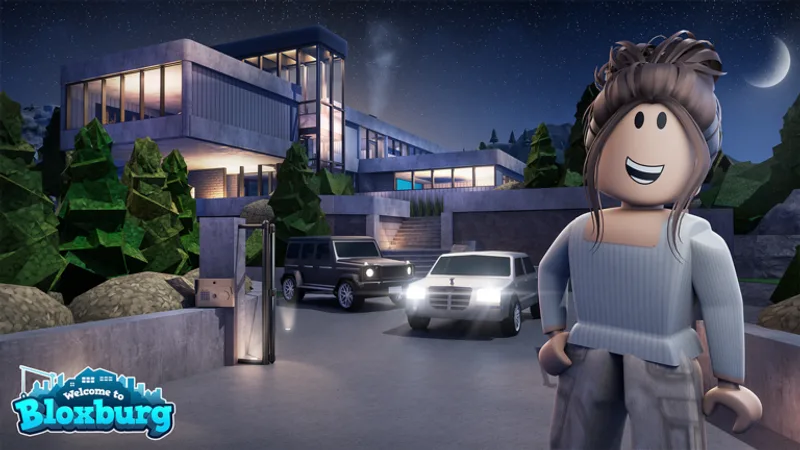 How to Make a Roblox Game Step by Step: Your First Obby in One AfternoonA click-by-click beginner tutorial: install Roblox Studio, open Baseplate, build an obby, add a kill brick script, playtest with F5 and publish it privately.Beginners4 min read
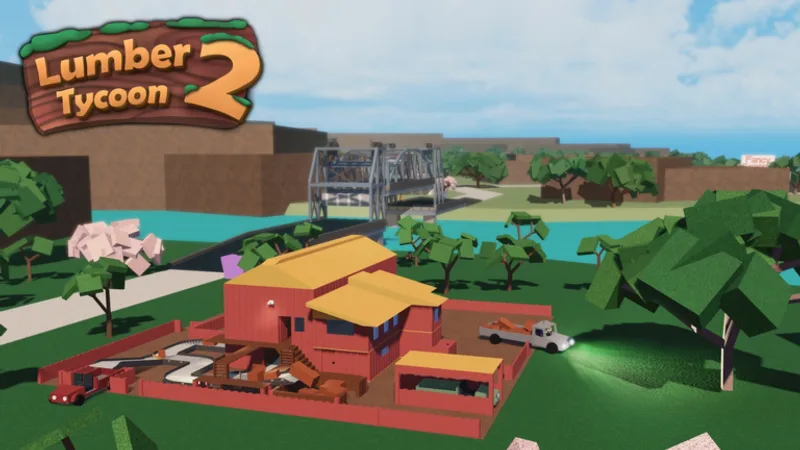 Roblox Assets and the Toolbox: Find Free Models SafelyUse the Roblox Studio Toolbox and Creator Store for free assets, manage your own with Asset Manager, import 3D files and audio, and spot unsafe models.Assets and Models4 min read
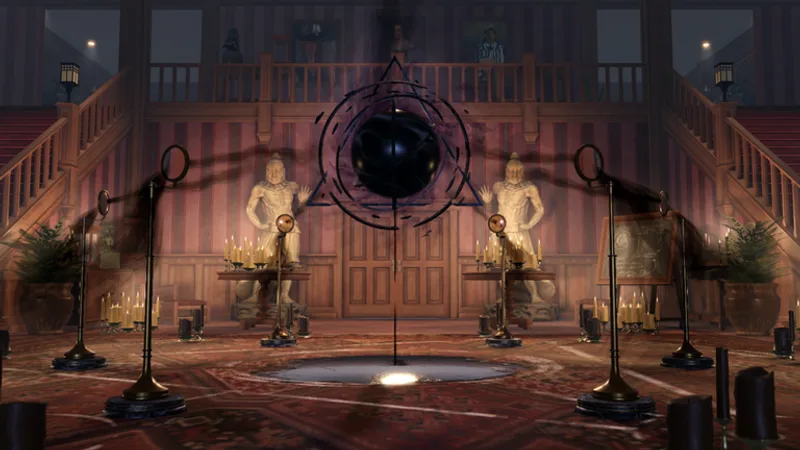 Blender to Roblox: Export Settings and Import StepsMove models from Blender into Roblox Studio: official FBX export settings, 3D Importer steps, triangle and texture limits, and Roblox's Blender plugin.Assets and Models4 min read
From gray blocks to a map that reads well
The order of the five guides
Begin with how to make a Roblox game step by step if you have never placed a part. It is an afternoon of work in the Baseplate template, ending with a playtest on F5 and a private publish. Then read how to make a map in Roblox Studio, which is the real center of this topic, and finish with Roblox lighting, because lighting changes how everything before it looks.
What the map guide settles
It explains that the Terrain Editor opens from the Home tab or Window, then 3D, that its Create tab has Import, Generate and Clear, and that the Edit tab holds Select, Transform, Fill, Sea Level, Draw, Sculpt, Smooth, Paint and Flatten. It is careful about one claim: Generate builds terrain from settings such as Biomes, Caves and Seed, and Roblox does not describe it as AI. The guide also says to plan the map around the game loop and to keep the place file under the 100 MB limit.
What the lighting guide settles
It separates LightingStyle, Realistic or Soft, from color and intensity, time of day, Atmosphere and the post-processing effects such as Bloom, Blur and Depth of field. It gives three setups to copy, day, sunset and horror. One detail trips people up: the current docs describe LightingStyle and PrioritizeLightingQuality in place of the old Technology setting, so older tutorials may not match what Studio shows.
Models and imports for the map
Props come from Blender to Roblox or the Toolbox guide. Use the Toolbox for filler and keep an eye out for hidden scripts. Use Blender when a map piece has to match your style exactly.
Common mistakes
Detailing before playtesting is the big one: block the map with plain parts first and check paths and sight lines. A part that falls over when the game starts is not anchored, which the beginner guide fixes in one click. Heightmap import needs a region selected, and Terrain cannot be synced through Rojo, so build it in Studio.
More topics
- Beginners9Install Studio, build a first place, write a first script and publish it.
- AI Tools13Roblox Assistant, Roblox Build, the Studio MCP and outside AI tools for code, models and art.
- Scripting5Luau from zero: where scripts go, events, saving data, and getting good code out of AI.
- Scripts Library3Free copy and paste Luau scripts, checked against the Roblox docs, plus tools to write your own.
- Assets and Models4AI 3D model generators, Blender exports, Meshy and the Toolbox.
- Game Types14How to build each popular genre: tycoon, obby, simulator, horror, FPS, tower defense and more.
- Animation and Video3The Animation Editor, story videos, Shorts and recording Roblox footage.
- UI and Icons3Menus and HUDs that fit every screen, game icons and thumbnails.
- Sound and Voice3Sound design for games and AI voice for Roblox videos.
- Publishing and Growth8Publish a game, set it up so players find it, and improve your icon and thumbnails.
- Making Money3DevEx, what top games really earn, and clipping Roblox videos for pay.
- YouTube and Shorts3Roblox story videos, Shorts formats and clipping.
- Trends and News8New Studio features, new AI tools and the game types rising on the charts.
- Tools and Reviews5Roundups and comparisons of AI tools, model generators, Rojo and laptops.