

Animation and Video
Animation on Roblox has two sides. Inside a game, you use the Animation Editor to make walk cycles, attacks and emotes that play on characters. Outside a game, creators record Roblox scenes and edit them into story videos and Shorts for YouTube and TikTok.
These guides cover both. Start with the animation guide for how keyframes, priorities and publishing animations work in Studio. Then the video guides show how story channels plan scenes, record clean footage, add voice and keep viewers watching to the end.
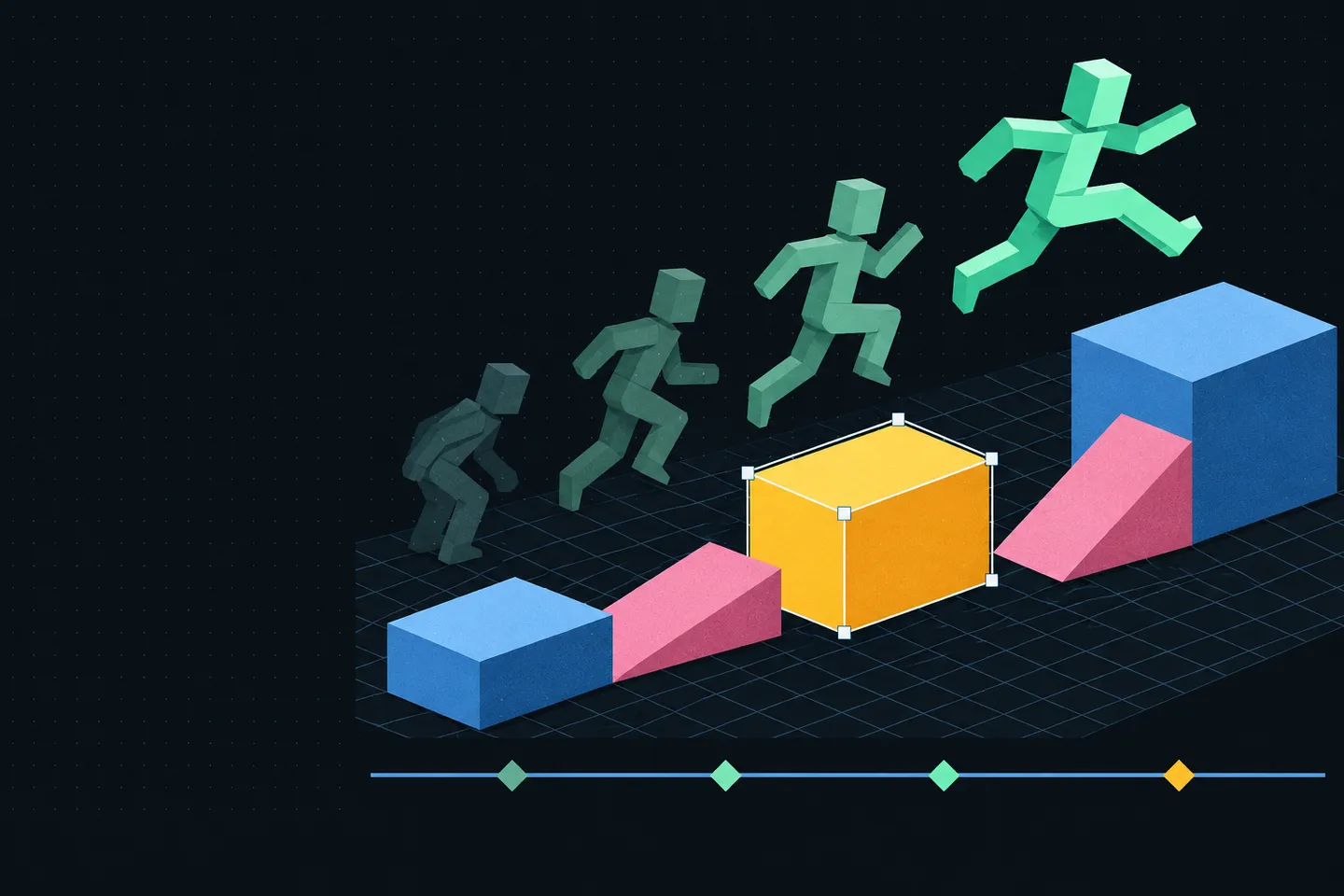
3 guides in Animation and Video
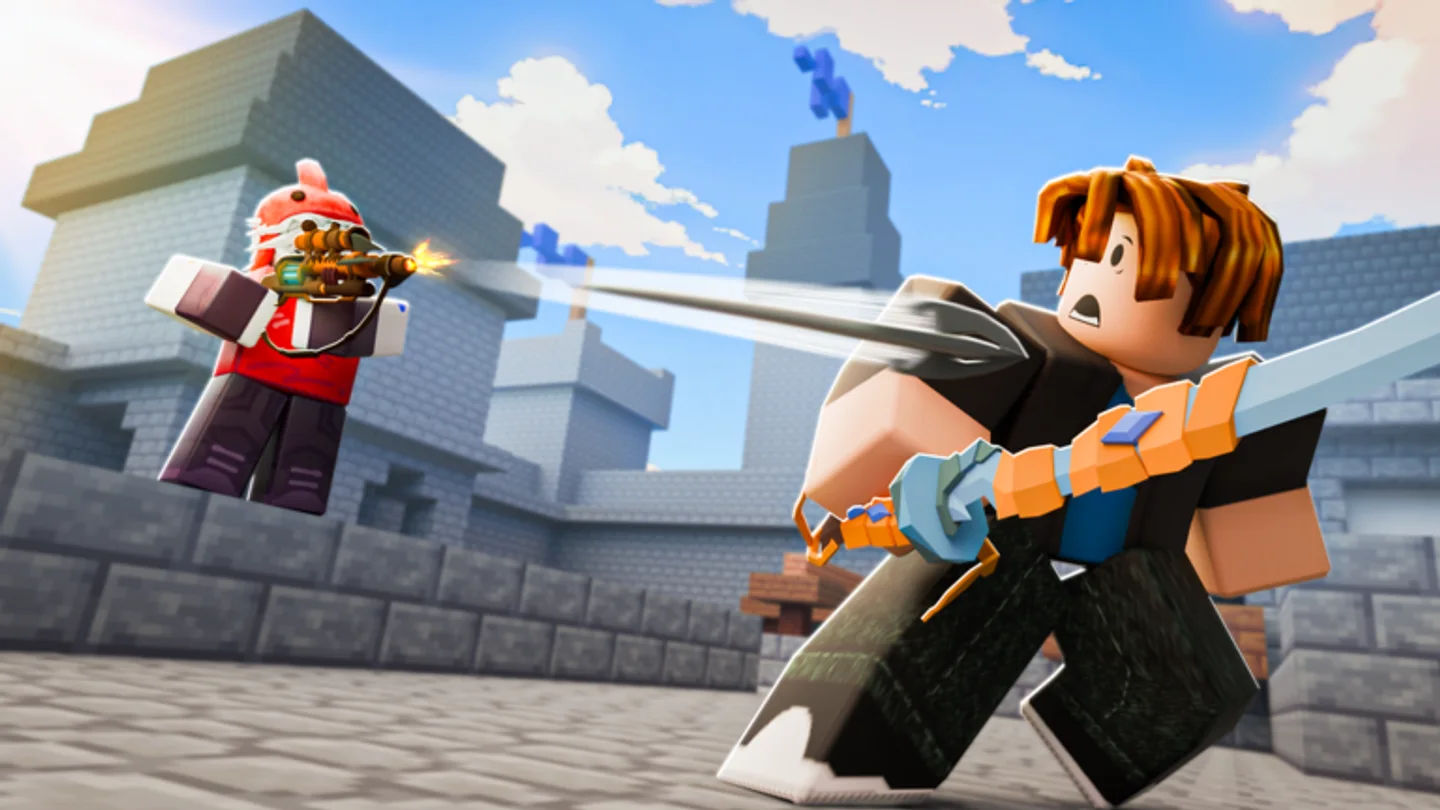
 How to Make Viral Roblox Animations: Story Videos and ShortsMake Roblox animation story videos and Shorts: animate in Studio or Moon Animator, record, add AI voices, edit, then hook, caption and loop for YouTube.YouTube and Shorts6 min read
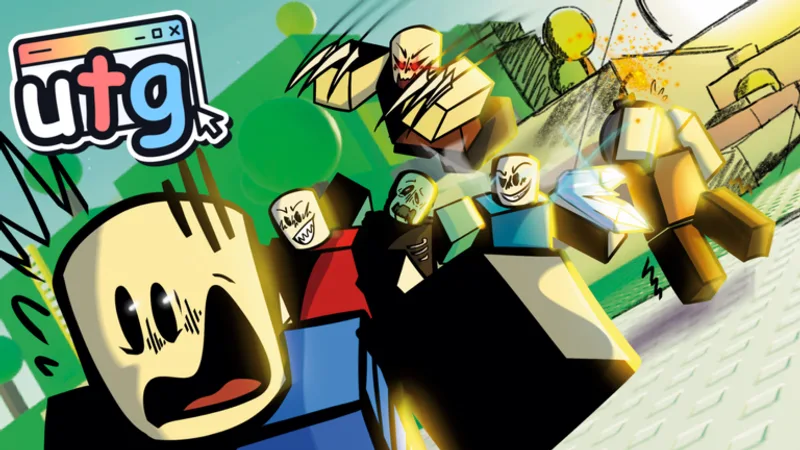
 How to Make an "In This Town" Roblox VideoMake an In This Town Roblox Short: pick a strange town rule, script the escalation, build the town in Studio, voice it, caption it and end on a comment hook.YouTube and Shorts5 min read
How to work through animation and video
Start with the editor, not the camera
Every video on this topic is built from clips made in Studio, so the first guide to read is how to animate in Roblox Studio. It answers the practical questions: you need a rig, the Animation Editor opens from the Avatar tab, a new animation is one second long at 30 fps, and nothing plays in a live game until you press Publish to Roblox and copy the asset ID. It also covers looping, where you copy the first keyframes to the end so the loop does not jump, and priority, where a jump animation has to outrank an idle.
Then pick a video format
Once a character can wave, walk and look shocked, viral Roblox animations shows how those clips become a story: write the script first, record each shot separately with a second of padding, add a voice, and cut vertical with captions. The In This Town video guide narrows that into one format with a fixed shape, a single strange town rule, a few gags, a slip, a mystery and a reveal. Read it second if you want a template to copy the structure of, and third if you would rather invent your own format.
Order that saves rework
Animation first, story second, format third. People who start with the format often build a town before they know how many animations the script needs, then discover they have six characters and no walk cycle. The animation guide also lists faster routes, such as body capture from a video clip under 15 seconds and text to animation through the Studio MCP, which are worth trying before you pose every limb by hand.
Mistakes the guides warn about
Saving is not publishing: Save keeps a KeyframeSequence in ServerStorage, and only publishing makes the animation usable in a game. Linear easing makes motion look robotic. Characters with their backs turned during an important line lose the moment, and props or limbs that pass through heads or the ground have to be caught by scrubbing every shot before you record. Free copies of the Moon Animator plugin passed around as files can contain unwanted scripts, so install it from the Creator Store listing.
What you will not find here
The guides do not quote view counts or algorithm secrets, because YouTube has not published any. They stick to what YouTube Help states, such as Shorts being vertical and up to three minutes long. For paid clipping and platform payouts, jump to the YouTube and Shorts topic.
More topics
- Beginners9Install Studio, build a first place, write a first script and publish it.
- AI Tools13Roblox Assistant, Roblox Build, the Studio MCP and outside AI tools for code, models and art.
- Scripting5Luau from zero: where scripts go, events, saving data, and getting good code out of AI.
- Scripts Library3Free copy and paste Luau scripts, checked against the Roblox docs, plus tools to write your own.
- Building and Maps6Terrain, heightmaps, lighting and laying out a map that plays well.
- Assets and Models4AI 3D model generators, Blender exports, Meshy and the Toolbox.
- Game Types14How to build each popular genre: tycoon, obby, simulator, horror, FPS, tower defense and more.
- UI and Icons3Menus and HUDs that fit every screen, game icons and thumbnails.
- Sound and Voice3Sound design for games and AI voice for Roblox videos.
- Publishing and Growth8Publish a game, set it up so players find it, and improve your icon and thumbnails.
- Making Money3DevEx, what top games really earn, and clipping Roblox videos for pay.
- YouTube and Shorts3Roblox story videos, Shorts formats and clipping.
- Trends and News8New Studio features, new AI tools and the game types rising on the charts.
- Tools and Reviews5Roundups and comparisons of AI tools, model generators, Rojo and laptops.