

How to Make a Roblox Survival Game: Day and Night, Hunger and Campfires
Make a Roblox survive-the-nights game: day and night with Lighting.ClockTime, hunger that drains health, a campfire safe zone, night monsters and AI help.
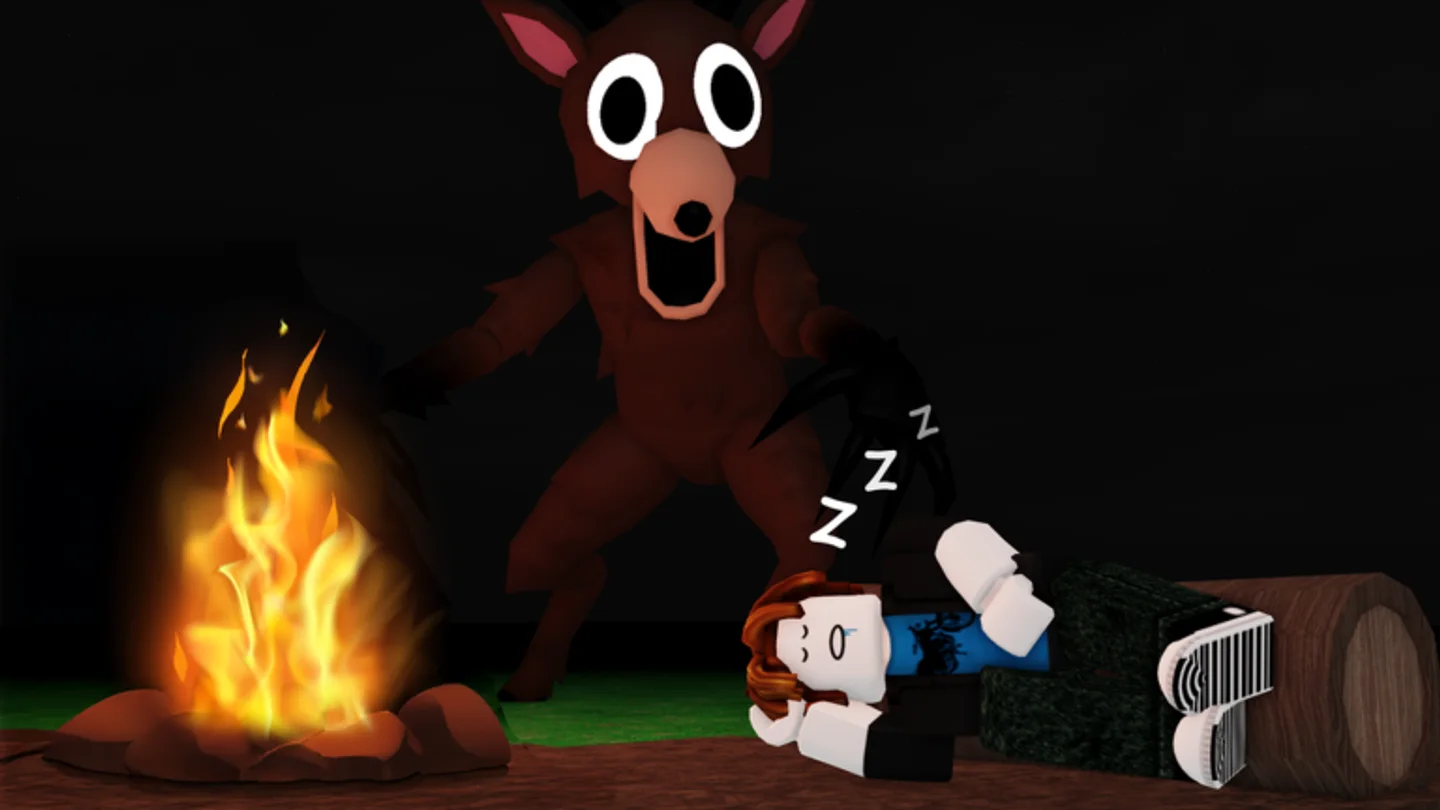
Example of a survival game: 99 Nights in the Forest by Grandma's Favourite Games (image from its Roblox page)
On this page10
To make a Roblox survival game in the survive-the-nights style, build a map with resources, run a day and night cycle by changing Lighting.ClockTime from a server Script, drain a hunger meter that hurts players when it runs out, and make a campfire the safe spot that monsters avoid at night. Days are for gathering food and wood, nights are for staying alive, and the counter of nights survived is the score.
Survival is one of the top genres in Roblox’s official genre list, with subgenres that include 1 vs All and Escape. The format here is a co-op version where a small group shares one fire.
Games that add XP, quests and enemy drops to this loop are covered in the Roblox RPG guide.
Quick facts
- Core loop
- Gather by day, defend the fire by night, survive one more
- Main pieces
- Day/night cycle, hunger, campfire, night monsters
- Roblox genre
- Survival
- Where code runs
- Server Scripts in ServerScriptService
What makes the genre work
A clock does the pacing for you. Players know night is coming, so every trip out to chop wood is a small bet on time. When the light drops, the map that felt safe an hour ago becomes the threat, and the fire in the middle becomes the place everyone runs back to.
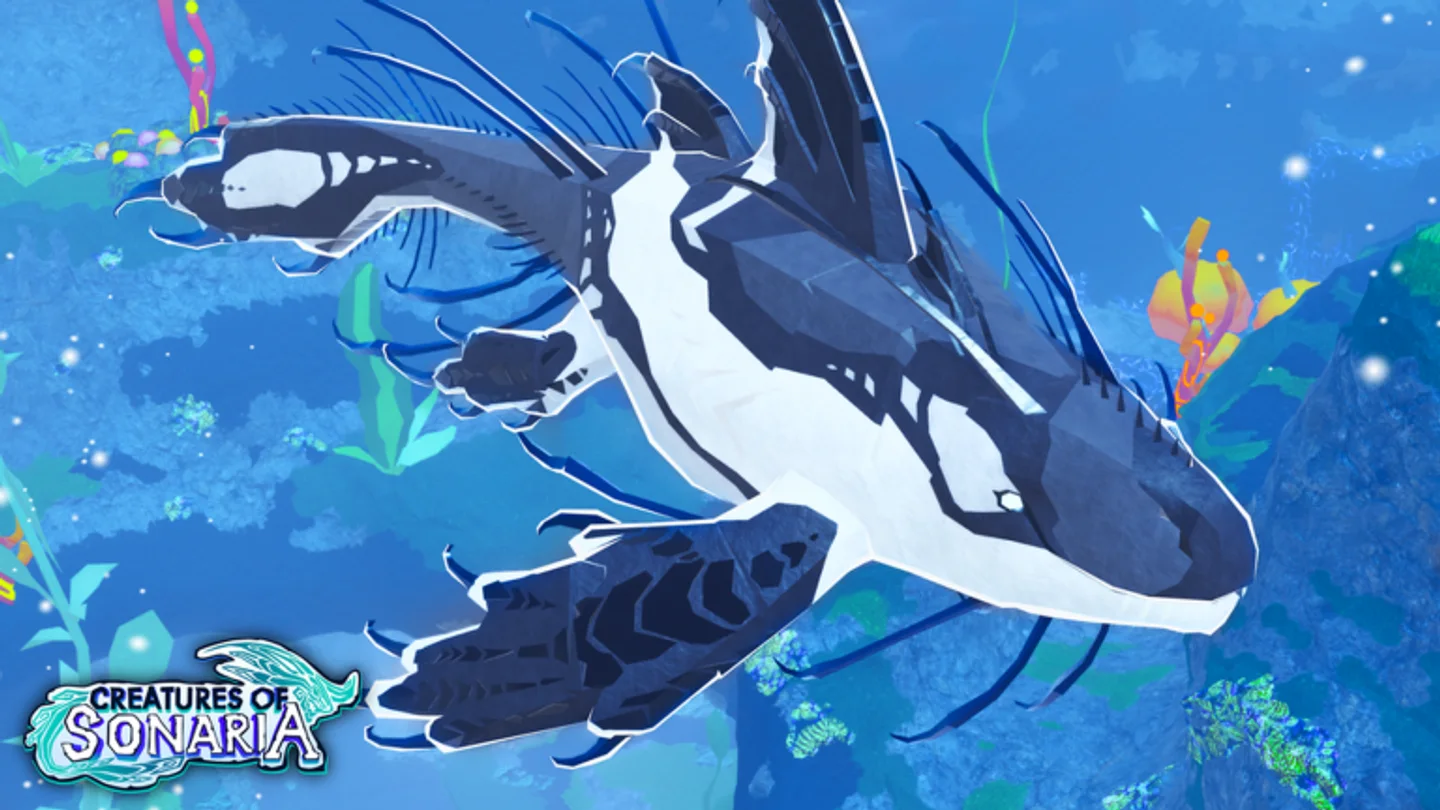
On November 25, 2026, Roblox’s explore API listed 99 Nights in the Forest (by Grandma’s Favourite Games) at about 143,000 players in Top Playing Now, and the Roblox games API files it under Survival. The same day, Stay the Night and Survive a Psycho sat in the Up and Coming sort, and Creatures of Sonaria, an animal survival game, had about 16,800 players.
What the top games do, in our own words:
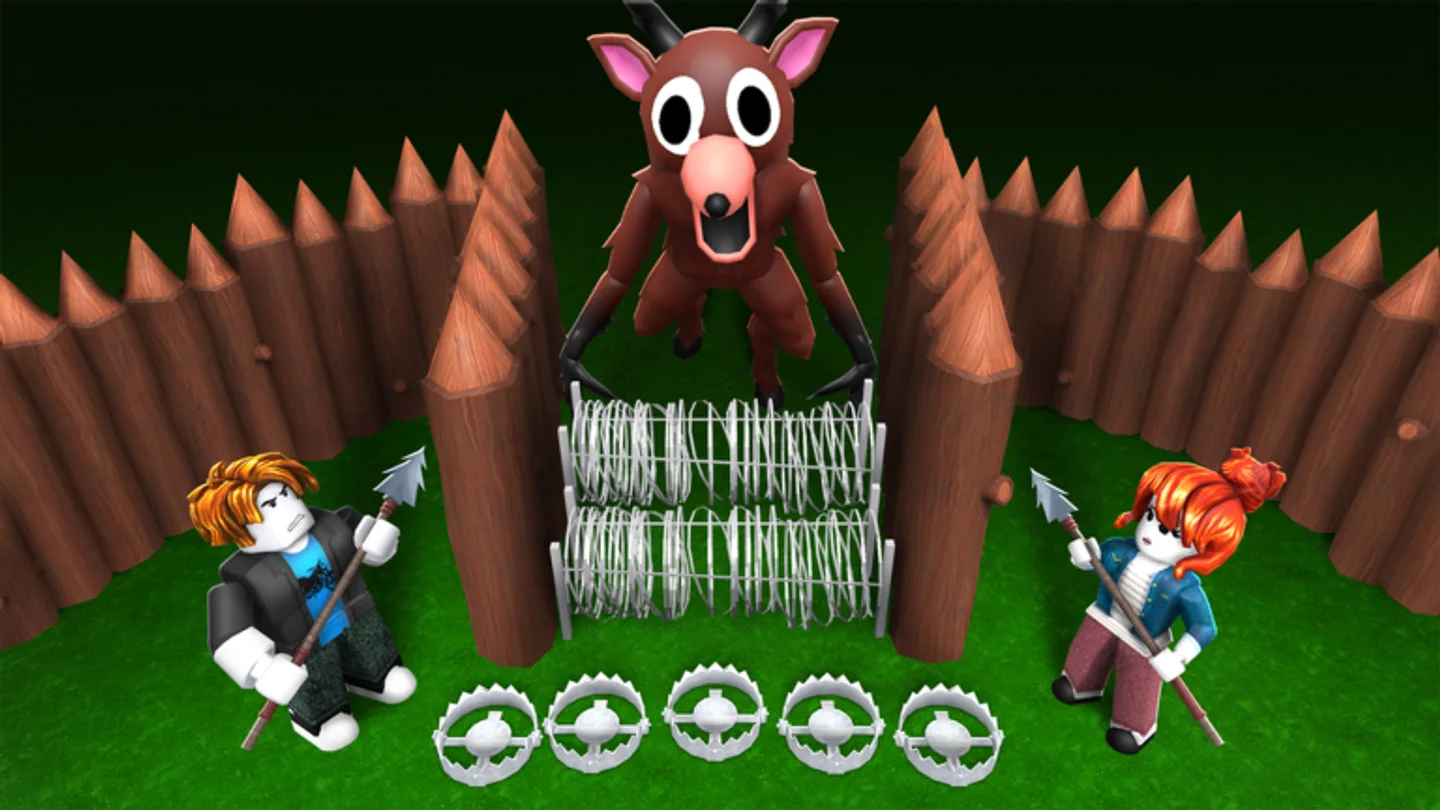
- The fire is a resource. If nobody feeds it fuel, the safe circle shrinks.
- Walls, traps and tools are built from what players gather, so the base grows over the run.
- Nights get harder as the count goes up, so the ending feels earned.
- Teammates who go down can be helped, which keeps the group moving together.
Build your own creatures and setting. The structure of a night counter is free to use; another game’s monsters and look are not.
Plan the run before you build
Decide three numbers first: how long a day lasts, how many nights win the game, and how fast hunger and fuel drop. They decide everything else. A short day with a slow hunger drain makes a relaxed game; a long night with fast fuel burn makes a tense one. Write them at the top of one ModuleScript in ServerScriptService so you can change them in one place while you playtest, and ask a friend to play a full run before you tune anything.
Step by step in Studio
- Start from the Baseplate template and sculpt a forest with the Terrain Editor on the Home tab. The map guide covers terrain tools.
- Place a campfire Model in the center with a PointLight and a Fire effect inside a part named FirePart.
- Scatter tree and berry bush models in a Folder named Resources.
- Make a monster rig and keep it in ServerStorage so the night script can clone it.
- Add the scripts below to ServerScriptService and test with Test (F5) from the testing controls on the mezzanine.
Day and night with Lighting.ClockTime
Lighting.ClockTime is the time of day in hours, and it does not change during gameplay unless a script changes it. This loop runs a full day in about 8 minutes and counts nights.
local Lighting = game:GetService("Lighting")
local DAY_LENGTH = 480 -- seconds for 24 in-game hours
local nightCount = 0
local wasNight = false

Lighting.ClockTime = 8

while true do
    local dt = task.wait(1)
    Lighting.ClockTime = (Lighting.ClockTime + 24 * dt / DAY_LENGTH) % 24
    local isNight = Lighting.ClockTime >= 19 or Lighting.ClockTime < 6
    if isNight and not wasNight then
        nightCount += 1
        workspace:SetAttribute("Night", nightCount)
        workspace:SetAttribute("IsNight", true)
    elseif not isNight and wasNight then
        workspace:SetAttribute("IsNight", false)
    end
    wasNight = isNight
end
Other scripts listen for IsNight changing with GetAttributeChangedSignal and spawn or remove monsters. Read Roblox lighting for Atmosphere and color settings that make night feel dark without hiding everything.
Hunger that hurts
Hunger lives as an attribute on the character so it resets on respawn. Every few seconds the server lowers it, and at zero it uses Humanoid:TakeDamage to chip away health.
local Players = game:GetService("Players")

Players.PlayerAdded:Connect(function(player)
    player.CharacterAdded:Connect(function(character)
        character:SetAttribute("Hunger", 100)
        local humanoid = character:WaitForChild("Humanoid")
        while humanoid.Health > 0 and character.Parent do
            task.wait(3)
            local hunger = math.max(character:GetAttribute("Hunger") - 2, 0)
            character:SetAttribute("Hunger", hunger)
            if hunger == 0 then
                humanoid:TakeDamage(5)
            end
        end
    end)
end)
Berry bushes get a ProximityPrompt with ActionText set to “Eat”. Its Triggered event passes the player, and the server adds 25 to their Hunger, capped at 100. A ScreenGui bar reads the attribute on the client to draw the meter.
The campfire safe zone
The fire has a Fuel attribute that burns down over time. Wood dropped near it adds fuel, and the safe radius depends on how much is left. At night, monsters chase the nearest player outside that radius and give up on anyone inside.
local fire = workspace.Campfire
fire:SetAttribute("Fuel", 100)

while true do
    task.wait(1)
    local fuel = math.max(fire:GetAttribute("Fuel") - 0.5, 0)
    fire:SetAttribute("Fuel", fuel)
    fire:SetAttribute("SafeRadius", 10 + fuel * 0.3)
    fire.FirePart.PointLight.Range = 10 + fuel * 0.3
end
In the monster script, measure (rootPart.Position - fire.FirePart.Position).Magnitude and skip any player closer than SafeRadius. For targets outside it, call Humanoid:MoveTo toward them and damage them on touch. Make more monsters spawn as the night number goes up. The ClockTime, Humanoid and ProximityPrompt APIs used here were checked against the docs.
Speed it up with AI
Roblox Assistant’s Planning Mode (Plan in the dropdown, or /plan) drafts a plan you can edit before it builds anything; it only runs when you click Build. Ask it to plan the clock, hunger, fire and monster scripts separately so each is easy to check. More in Roblox Assistant. The built-in Studio MCP server lets Claude or Cursor read your place, write scripts and run play tests.
Meshy
3D modelsGenerates original creature and prop models from a prompt or sketch for your night monsters.
- Free tier
- Pro from $20/mo billed monthly (checked Nov 2026)
- Exports FBX, OBJ, GLB, USDZ, STL
ElevenLabs
AudioMakes the crackling fire, footsteps in the dark and creature calls that sell the night.
- Free tier
- Paid plans from $6/mo (checked Nov 2026)
Affiliate link: we may earn a commission if you subscribe, at no extra cost to you. How this works.
Monetization
Game passes are one-time purchases for permanent perks, like a bigger backpack or a starting tool. Developer products can be bought many times, which suits revives or a bundle of fuel. Handle them with MarketplaceService.ProcessReceipt on the server. Cross-game pass and developer product sales stopped on May 30, 2026. In a co-op game, perks that help the whole group feel better to buy than ones that make one player carry the team.
Promotion
Survival thumbnails work best at night: a fire, a group, something watching from the trees. Build yours with the game icon guide and thumbnail maker guide.
Higgsfield AI
Images and videoDrafts dark, moody icon and thumbnail art and short promo clips for a survival game.
- Free tier
- Paid plans from $19/mo (checked Nov 2026)
Affiliate link: we may earn a commission if you subscribe, at no extra cost to you. How this works.
Close calls at night are good Shorts. Record a few sessions and cut the best moments.
Opus Clip
Images and videoTurns long survival playtest recordings into vertical clips with captions.
- Free tier
- Starter from $15/mo (checked Nov 2026)
Affiliate link: we may earn a commission if you subscribe, at no extra cost to you. How this works.
See viral Roblox animations for hooks and captions.
Roblox Survival Game FAQ
How do I make day and night in Roblox Studio?
Change Lighting.ClockTime from a server Script. It is the time of day in hours and does not move on its own during gameplay, so a loop that adds a little every frame or second makes the sun move.
How do I add hunger to a Roblox game?
Store hunger as an attribute on the player or character, lower it on a timer in a server Script, and call Humanoid:TakeDamage when it reaches zero. Food items raise it again.
What is a survive-the-nights game?
A survival game where days are for gathering and building and nights bring danger. Players count how many nights they last, and the goal is to reach a target number.
Is Survival an official Roblox genre?
Yes. Survival is one of Roblox's top genres, with subgenres that include 1 vs All and Escape. You pick it in the game's settings when you publish.
Can AI make the monsters for my survival game?
AI 3D tools like Meshy can generate a model from text or an image, and Assistant can generate meshes inside Studio. You still rig, test and tune them yourself. See best AI 3D model generators.
Keep building
Every guide, newest first How to Make a Roblox Battlegrounds Game: Moves, Hitboxes and CooldownsMake a Roblox battlegrounds fighting game: a hitbox with GetPartBoundsInBox, server cooldowns, knockback, a move set per character, and AI tools to speed it up.Game Types3 min read
 How to Make a Roblox RNG Game: Rarity Tables, Rolls and LuckMake a Roblox RNG game: a weighted rarity table, a server roll with Random.new, luck boosts, saved inventories, and the AI tools that speed the build up.Game Types4 min read
 How to Make a Roblox Farming Game: Plots, Seeds and Growth TimersBuild a Roblox farming game: player plots, seeds planted with a ProximityPrompt, growth timers that keep running offline, a sell shop, and saved gardens.Game Types5 min read
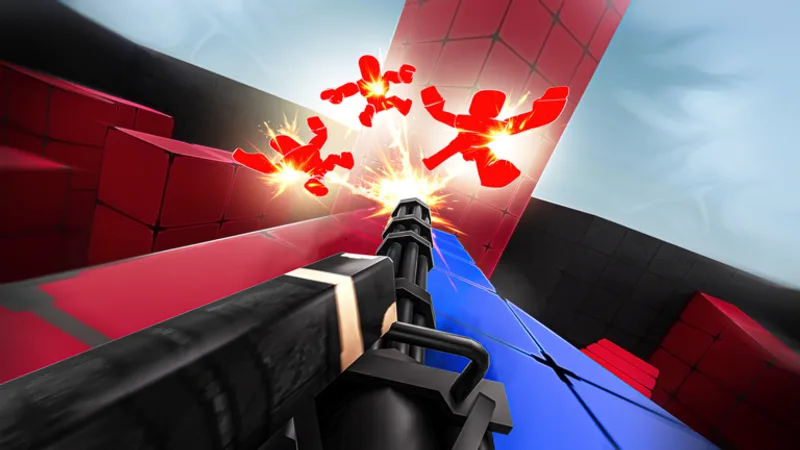 How to Make a Roblox FPS Game: Teams, Rounds and Raycast GunsBuild a Roblox FPS: two teams, timed rounds, a raycast blaster checked on the server, spawn points, and AI tools that plan and script the shooter faster.Game Types4 min read
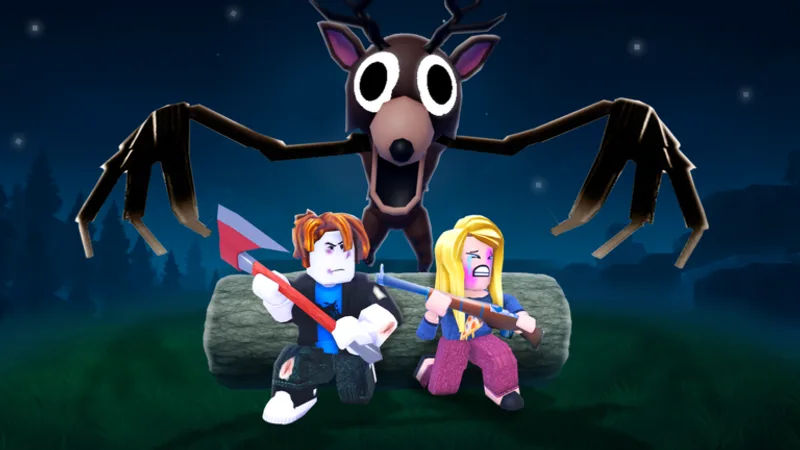 How to Make a Roblox Horror Game: Darkness, Sound and a MonsterMake a Roblox horror game: dark lighting and fog, a flashlight, a door with a ProximityPrompt, a monster that chases players, and AI tools that build it faster.Game Types5 min read
 How to Make a Roblox Obby: Checkpoints, Kill Bricks and a Finish LineBuild a Roblox obby in Studio: block out stages, add kill bricks, checkpoints and a finish, then use Assistant or the Studio MCP to script and test it faster.Game Types6 min read