

Best Laptop for Roblox Studio (Plus a Mouse and Drawing Tablet)
Roblox Studio needs Windows 10 or macOS 10.14 and 3 GB of RAM, with 8 GB recommended. Laptops, mice and tablets that meet that, checked against the specs.
Image: Roblox - Realistic Forest Demo by Alpha Strike Group (Roblox)
Affiliate links: As an Amazon Associate I earn from qualifying purchases. Some AI tool links are affiliate links too. Buying through our links costs you nothing extra. How this works.
On this page9
The best laptop for Roblox Studio is any Windows 11 or recent macOS machine with at least 8 GB of RAM and a screen of 1600x900 or more, because that is exactly what Roblox recommends. You do not need a gaming laptop for Studio itself. Below are two laptops whose listed specs meet those recommendations, plus mice and drawing tablets that make building and texturing easier.
As an Amazon Associate I earn from qualifying purchases. We have not tested these products ourselves; every pick is judged only against Roblox’s published requirements and the specs in each listing’s title.
Quick facts
- Minimum OS
- Windows 10 or macOS 10.14
- Recommended OS
- Windows 11 or macOS 14+
- Minimum RAM
- 3 GB
- Recommended RAM
- 8 GB
- Recommended display
- 1600x900 or higher
What Roblox actually requires
Roblox’s Studio setup page lists only three things: operating system, RAM and display resolution. It does not list a CPU, graphics card, storage size or internet speed, so any claim that Studio “needs” a certain GPU is not coming from Roblox. Studio runs on Windows and Mac. ChromeOS, iPad and Android tablets are not on that list.
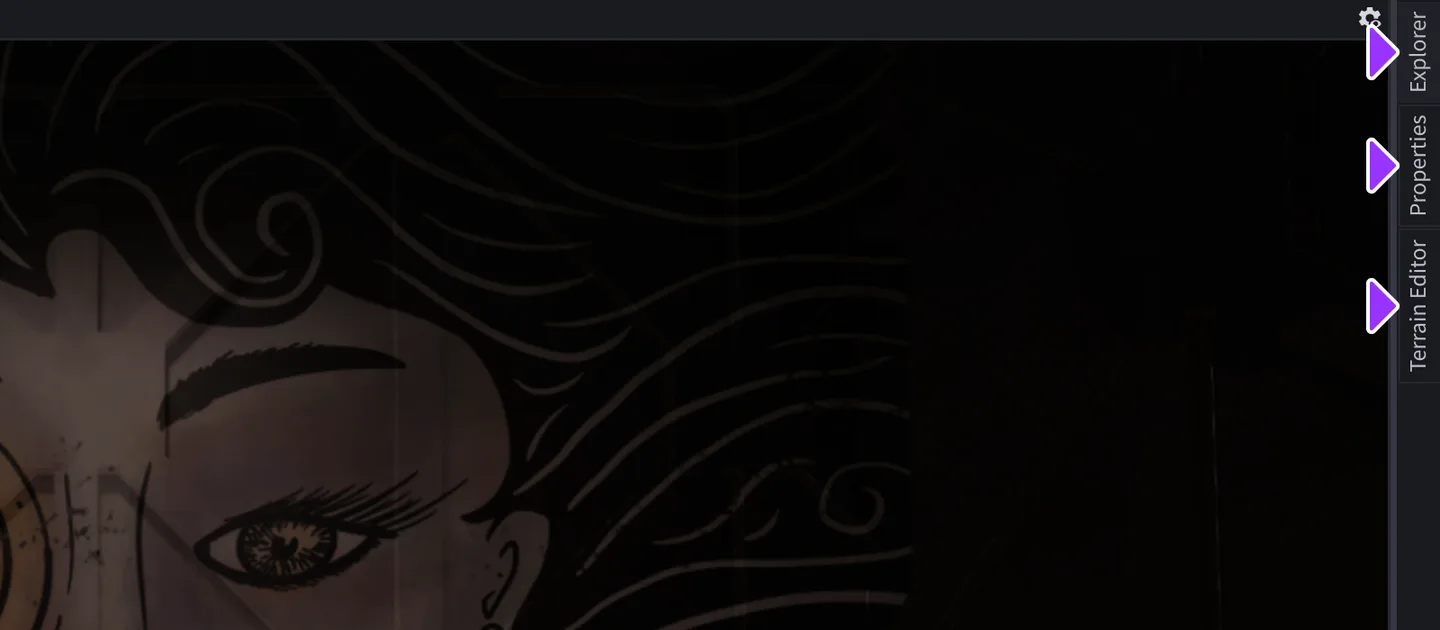
The display recommendation matters more than people expect. Studio keeps the Explorer, Properties, Output, Toolbox and the Assistant panel open around the 3D viewport. On a small low-resolution screen the viewport shrinks to a sliver. A 1920x1080 screen clears Roblox’s 1600x900 recommendation comfortably.
Laptops
Acer Aspire 5 15 Slim (Core i5-1335U, 16GB, 512GB SSD)
Best for: Windows builders who want headroom
The listing gives 16GB of RAM, double Roblox's recommended 8 GB, and a 15.6-inch 1920x1080 screen that is above the 1600x900 recommendation. It also lists Intel Iris Xe graphics, a 512GB SSD and a backlit keyboard. Check which Windows version ships with it, since Roblox recommends Windows 11.
Check price on AmazonThe extra RAM helps once you run more than Studio. A typical AI workflow has Studio, a browser with the docs, and an AI client such as Claude Desktop or Cursor connected through the Roblox Studio MCP all open at once.
Apple 2024 MacBook Air 13-inch (M3, 8GB, 256GB)
Best for: Mac users who want a light machine
8GB of unified memory matches Roblox's recommended 8 GB exactly. The listing does not state the screen resolution or the macOS version, so confirm on Apple's spec page that it meets macOS 14 or later and 1600x900, which you should expect from a current Mac.
Check price on AmazonMice
Studio is a 3D editor. You orbit, pan and drag parts constantly, and a trackpad gets tiring fast.
Logitech MX Master 3S
Best for: Long building sessions on Windows or Mac
The listing names Windows, Mac, ChromeOS and Linux support, Bluetooth plus a Logi Bolt receiver, an 8K DPI sensor and MagSpeed scrolling, which is handy for zooming the viewport and scrolling long scripts.
Check price on AmazonLogitech G502 HERO
Best for: Builders who want programmable buttons
The listing gives 11 programmable buttons and on-board memory. You can map buttons to Studio shortcuts you set under File › Customize Shortcuts, such as switching between Move, Scale and Rotate.
Check price on AmazonLogitech B100 Wired Mouse
Best for: A simple, low-cost wired mouse
A plain USB wired mouse with two buttons and a clickable wheel. That wheel click is what Blender uses to orbit the view, so it covers Blender work too.
Check price on Amazon
Drawing tablets
A tablet is optional for Studio. It helps when you paint textures, draw UI art or sketch game icons in an image editor before importing them.
Wacom Intuos Small
Best for: Painting textures and UI art
The listing gives a battery-free pen, 4 ExpressKeys and support for Mac, Windows and Chromebook. A small tablet fits beside a laptop on a desk.
Check price on AmazonXPPen Deco 01 V3
Best for: A larger drawing area
The listing gives a 10x6 drawing area, a 16K battery-free stylus and 8 shortcut keys, with support for Mac, PC, Android and Chromebook.
Check price on AmazonIf you would rather generate art than draw it, Roblox’s own Texture Generator and Material Generator run inside Studio, and the Roblox game icon guide covers AI image tools.
Desktop or laptop?
Nothing in Roblox’s requirements favors one or the other. A laptop lets you build anywhere. A desktop usually gives more screen room and is easier to upgrade later. If you already own a desktop that meets the list above, you do not need a laptop to start making games.
If you go with a laptop, an external monitor is worth considering. Studio’s panels (Explorer, Properties, Output, Toolbox, Assistant) can be docked and pinned in different spots, and a second screen lets the 3D viewport take one display while scripts and properties sit on the other.
What about AI tools?
Roblox Assistant runs inside Studio, and the built-in Studio MCP server runs as a local process on the same computer as Studio. Roblox gives setup paths for Windows and macOS only. Roblox does not publish any extra hardware requirement for these features. What they do add is more open windows: Studio, an AI client and a browser at once. That is where RAM above the 8 GB recommendation helps, even though Roblox does not set a number for it.
What about Blender?
Many Roblox builders model in Blender and import through the 3D Importer. This page does not judge laptops against Blender’s own requirements, because they are not in Roblox’s docs. If Blender is a big part of your plans, check its official requirements page before you buy, and see Blender to Roblox for the import workflow.
How to check a laptop yourself
- Confirm it runs Windows 11 or macOS 14 or later. Windows 10 and macOS 10.14 are only the minimum.
- Check RAM is 8 GB or more.
- Check the screen is 1600x900 or higher. 1920x1080 is common and clears it.
- Skip Chromebooks, iPads and Android tablets for Studio.
Once you have a machine, start with how to make a Roblox game.
Roblox Studio Laptop FAQ
What are the system requirements for Roblox Studio?
Roblox lists a minimum of Windows 10 or macOS 10.14 with 3 GB of RAM, and recommends Windows 11 or macOS 14 or later, 8 GB of RAM and a 1600x900 or higher display.
Can Roblox Studio run on a Chromebook?
Roblox says Studio is available on Windows and Mac. It does not list ChromeOS, so a Chromebook is not a supported way to run Studio.
Does Roblox Studio need a graphics card?
Roblox's setup page does not list a GPU, CPU or storage requirement. It only lists the operating system, RAM and display resolution.
Is 8 GB of RAM enough for Roblox Studio?
8 GB is Roblox's recommended amount. More gives headroom if you also run Blender, a browser and an AI client at the same time, but Roblox does not publish a figure for that.
Do I need a mouse for Roblox Studio?
Roblox does not require one, but moving the camera and parts is much easier with a mouse. A three-button mouse also helps if you use Blender, which relies on middle-click to orbit. See Blender to Roblox.
Keep building
Every guide, newest first The Best AI 3D Model Generators for Roblox StudioWhich AI 3D model generators work for Roblox: Roblox's own mesh generation, Meshy, Rodin, Scenario and Tripo, compared on export formats, free tiers and price.Assets and Models3 min read
 The Best AI Tools for Roblox Creators (November 2026)The AI tools worth using for Roblox games: Roblox's built-in AI, Claude and Cursor for Luau, Meshy for 3D, Higgsfield for icons and video, ElevenLabs for audio.AI Tools3 min read
 Roblox Build vs Higgsfield Games: Which AI Game Maker Should You Use?Roblox Build publishes simple 2D games to Roblox from your phone. Higgsfield Games builds web prototypes with art. Where each runs, cost, limits, which to use.Tools and Reviews3 min read
 Rojo for Roblox: Script in VS Code and Sync to StudioSet up Rojo for Roblox: install with Rokit or the VS Code extension, add the Studio plugin, run rojo serve, click Connect, then build place files.Scripting4 min read
 Blender to Roblox: Export Settings and Import StepsMove models from Blender into Roblox Studio: official FBX export settings, 3D Importer steps, triangle and texture limits, and Roblox's Blender plugin.Assets and Models4 min read
 How to Make a Map in Roblox Studio (Terrain, Heightmaps and AI)Make a map in Roblox Studio with the Terrain Editor: Generate, heightmap Import, sculpt and paint tools, plus how Assistant and the Studio MCP help fill it in.Building and Maps4 min read