
How to Make a Roblox Game: The Full Process, With and Without AI
Install free Roblox Studio, start from a template, build, script, test, then publish from File › Publish. Every stage explained, plus where AI tools help.
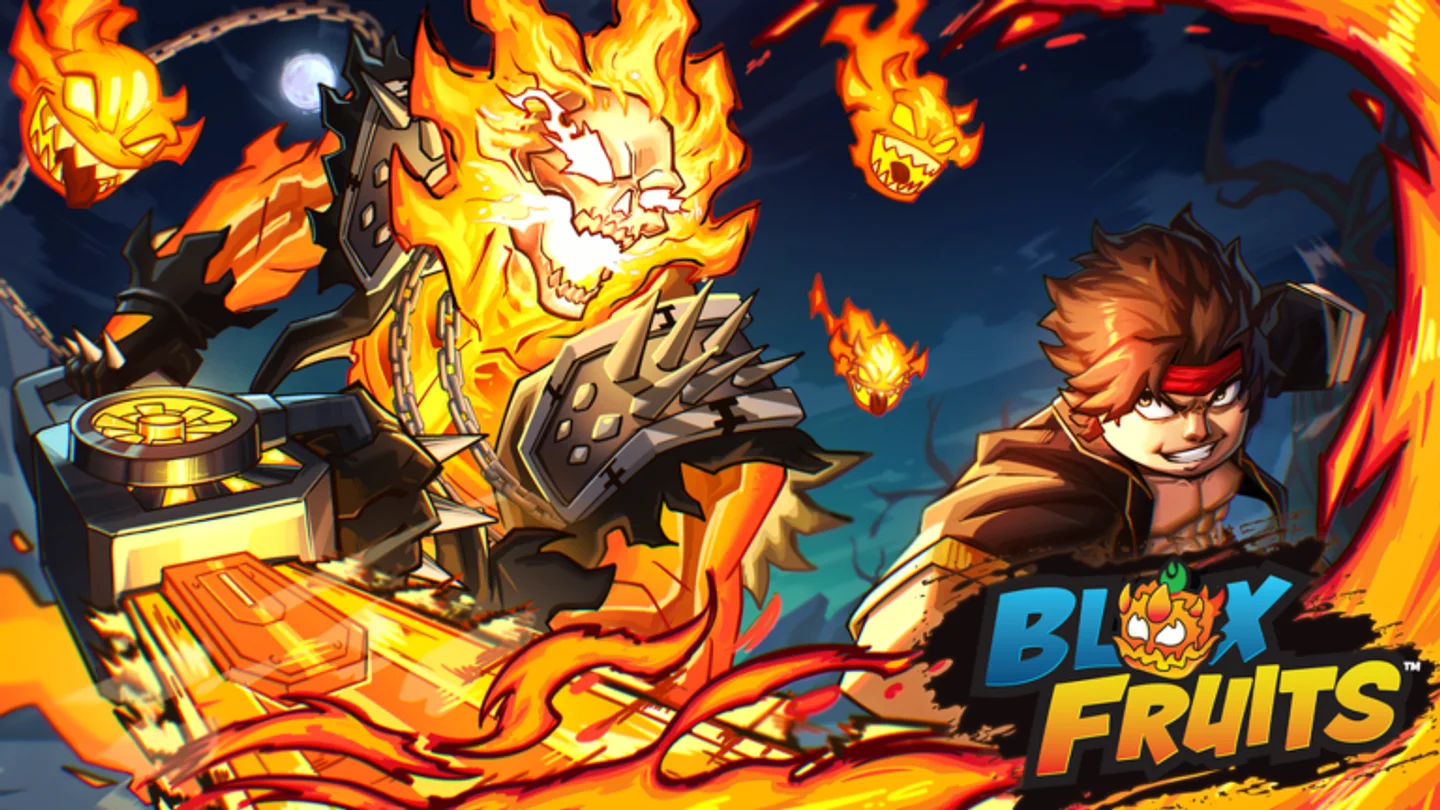
Example of a polished Roblox game: Blox Fruits by Gamer Robot Inc (image from its Roblox page)
On this page10
To make a Roblox game, download Roblox Studio (free, Windows and Mac), sign in with your Roblox account, open a template such as Baseplate, build your world with parts and terrain, add behavior with Luau scripts, playtest with the Play button, then use File › Publish to save it to Roblox and release it to players. Everything below walks through each stage in order and points you to the detailed guide for that stage.
This page is the map. If you want a single beginner project you can follow click by click, use the step-by-step first game tutorial instead.
Quick facts
- Tool
- Roblox Studio, free
- Platforms
- Windows 10+ or macOS 10.14+
- Language
- Luau
- Public release fee
- 1,000 Robux, refundable
- AI help
- Assistant, Studio MCP, outside tools
1. Install Roblox Studio and learn the screen
Roblox Studio is the free editor every Roblox game is built in. Roblox’s setup page lists the minimum as Windows 10 or macOS 10.14 with 3 GB of RAM. The recommended setup is Windows 11 or macOS 14 or later with 8 GB of RAM and a screen of at least 1600x900. Download it, run RobloxStudio.exe (Windows) or RobloxStudio.dmg (Mac), click Launch Studio and sign in.
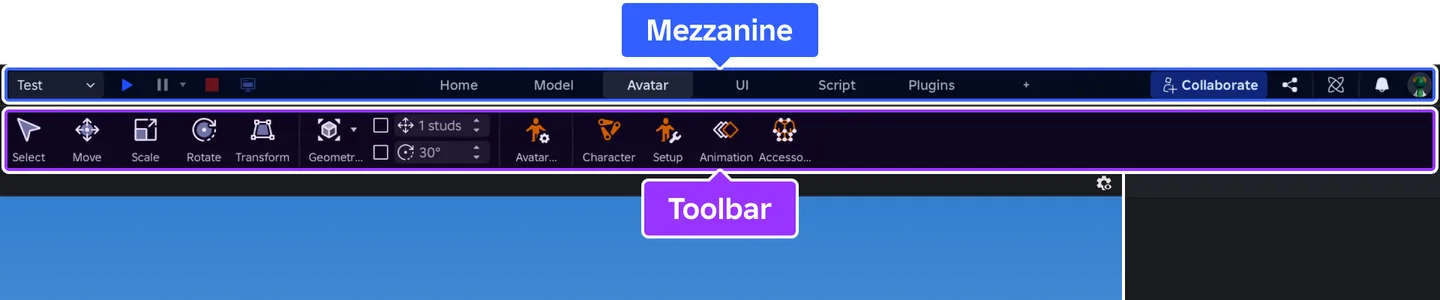
The current Studio layout puts a toolbar and a “mezzanine” bar across the top. Testing controls sit on the left side of the mezzanine, and collaboration, sharing and the Assistant button sit on the right. The default tool tabs are Home, Model, Avatar, UI, Script and Plugins. If an older tutorial tells you to open the Test or View tab, that is the old layout: testing now lives in the mezzanine and windows open from the Window menu.
Two windows matter from minute one. The Explorer shows everything in your game as a tree (Workspace, ReplicatedStorage, ServerStorage and so on), and Properties shows the settings of whatever you select. Both are open by default and can be reopened from the Window menu or the Home tab. If you are shopping for a machine to run Studio, see our laptop guide for Roblox Studio.
2. Pick a game idea and a template
Start small. A single-mechanic game you finish teaches more than a giant one you abandon. Our Roblox game ideas list has starting points sorted by difficulty.
When Studio opens, the Open a Template section offers starting places. Roblox’s docs name Baseplate (a flat baseplate and a SpawnLocation), Platformer (platforms, coin pickups and moves like double jump and dash) and Racing (a working car and track pieces). The template opens as Place1. A Roblox game can hold several places, which work like scenes in Unity or maps in Unreal, but one place is plenty for a first project.
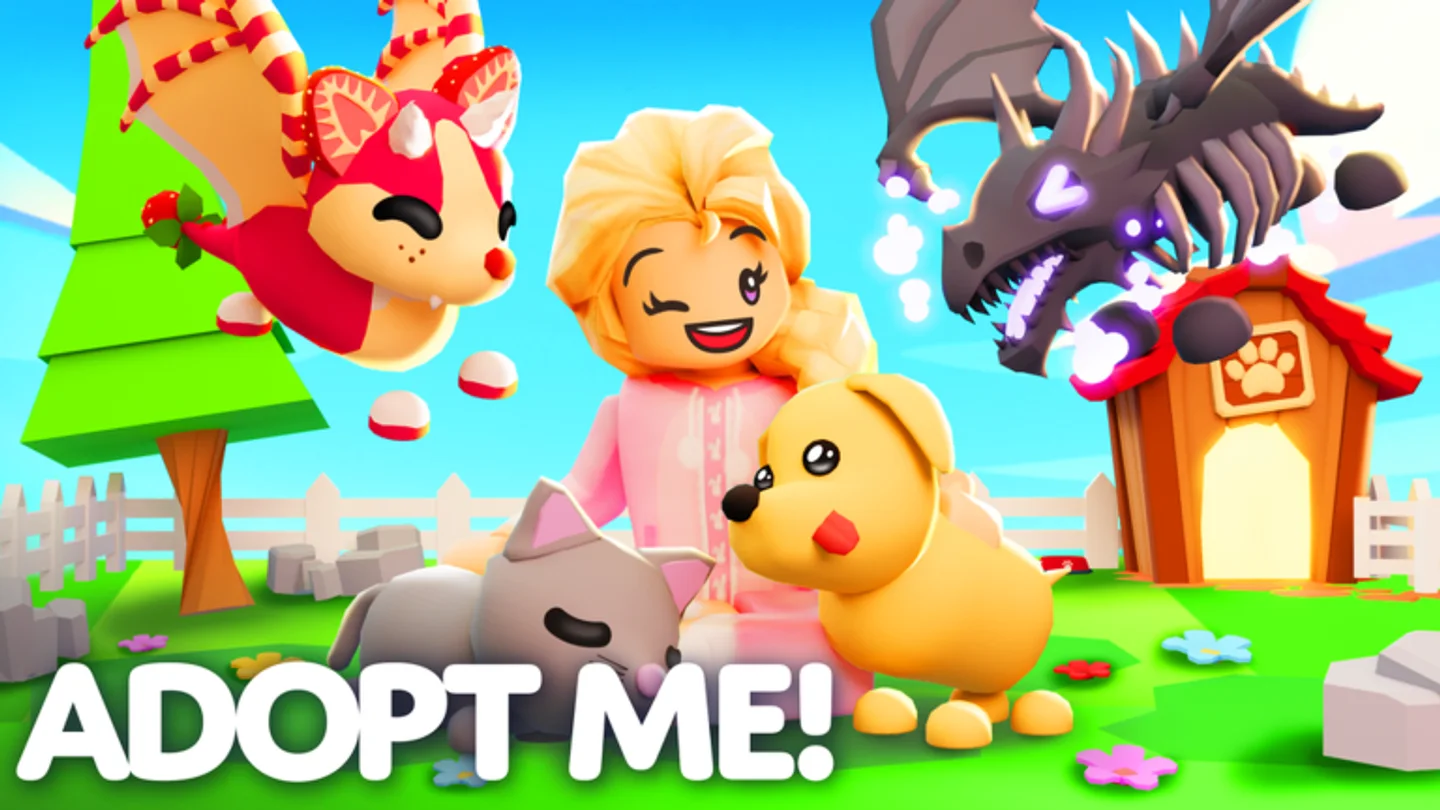
Popular genres each have their own build guide:
- How to make a Roblox obby, the classic obstacle course and the easiest first game
- How to make a Roblox tycoon, with droppers, conveyors and buy buttons
- How to make a Roblox simulator, built around clicking, pets and upgrades
- How to make a Roblox horror game, where lighting and sound carry most of the work
3. Build the world
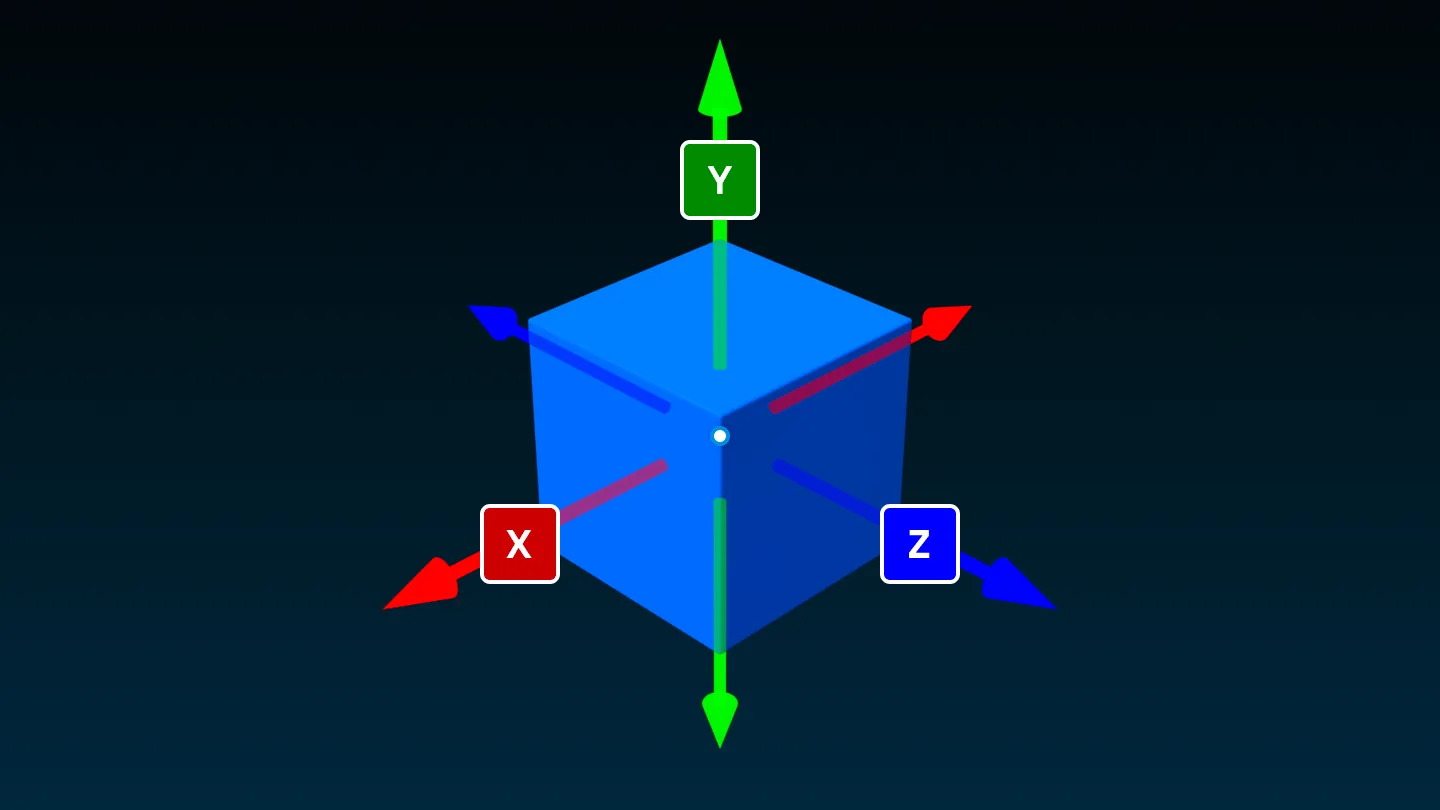
Everything physical in Roblox starts as a part. The basic shapes are Block, Sphere, Cylinder, Wedge and Corner Wedge, inserted from the Home tab. You move, scale and rotate them with the transform tools, color them with the color and material widgets, and anchor them so they do not fall when the game runs.
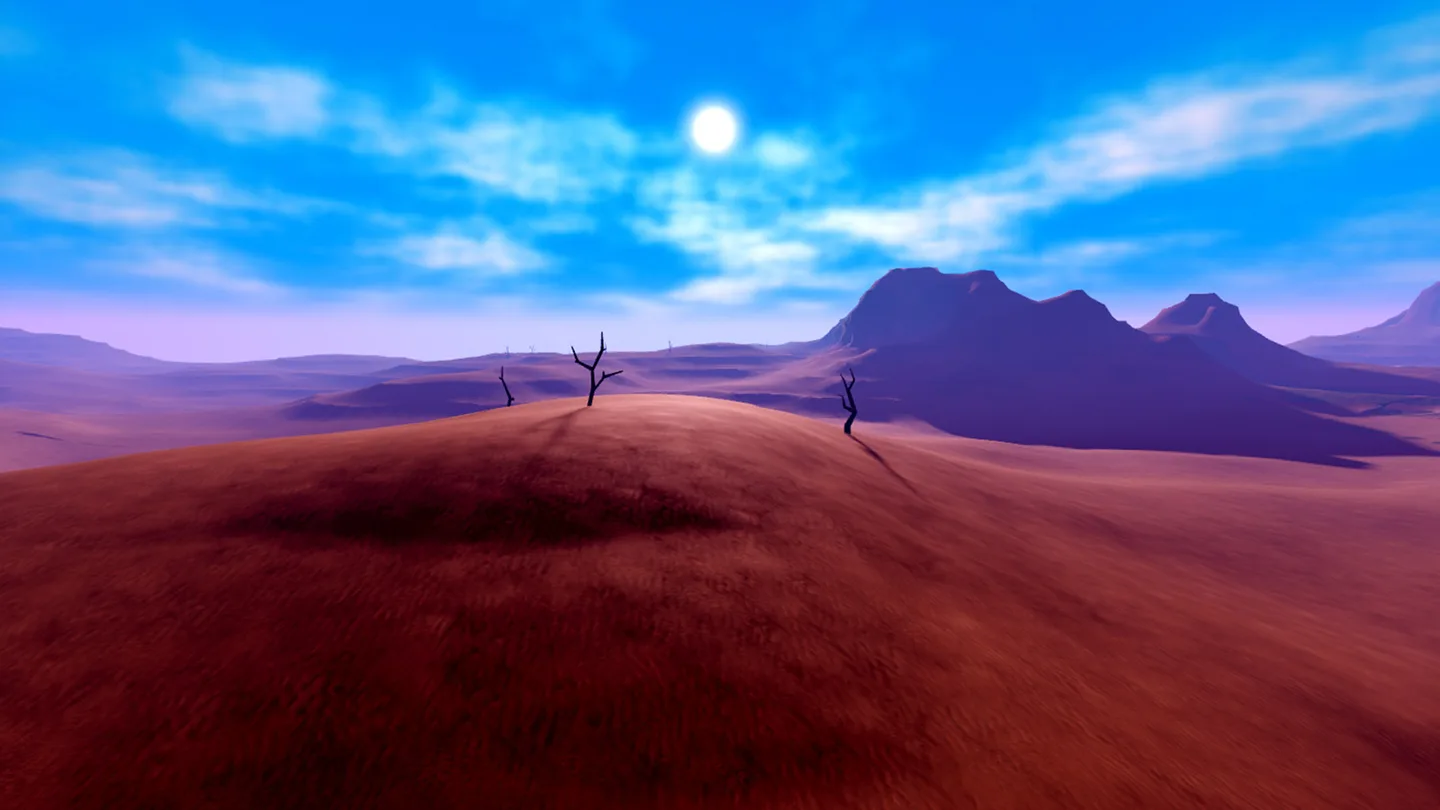
For landscapes, the Terrain Editor (Home tab, or Window › 3D) can generate hills, caves and biomes procedurally or import a heightmap, then lets you sculpt, smooth and paint by hand. Our map making guide covers terrain, layout and where AI can save time.
You do not have to model everything yourself. The Toolbox and Creator Store hold free models, meshes, images and audio; our Roblox assets and Toolbox guide explains how to find good ones and avoid broken or risky models. If you model in Blender, follow Blender to Roblox. For AI-generated 3D, see Meshy AI for Roblox and our roundup of the best AI 3D model generators.
Lighting changes how the whole game feels. The Lighting service has a LightingStyle setting (Realistic for detailed lights and shadows, Soft for a flatter, retro look) plus Atmosphere and post-processing effects like Bloom and Color Correction. Roblox lighting goes through the settings one by one.
4. Add gameplay with scripts
Parts sit still until a script tells them what to do. Roblox scripts are written in Luau, a version of Lua. A classic first script is a kill brick that resets any player who touches it:
local part = script.Parent

part.Touched:Connect(function(hit)
	local humanoid = hit.Parent:FindFirstChildWhichIsA("Humanoid")
	if humanoid then
		humanoid.Health = 0
	end
end)
Put that in a Script inside a part and the part becomes a hazard. From there you learn events, variables, functions and the split between server scripts and client scripts. How to script in Roblox is the full beginner course. If you prefer working in VS Code with files and Git, read about Rojo.
Menus, coin counters and shop screens are UI, built from a ScreenGui with frames, labels and buttons. The Roblox UI design guide covers layout and scaling so your buttons fit on phones as well as monitors. Characters that wave, swing swords or dance need animations; see how to animate in Roblox Studio.
5. Use AI where it saves time
Roblox has put AI into Studio directly. The Assistant (on the right of the mezzanine) answers questions, writes and edits scripts, inserts Creator Store assets and can generate meshes, materials and procedural models. Code Assist suggests lines as you type in the Script Editor. Our Roblox AI overview lists every AI feature, and the Roblox Assistant guide shows how to prompt it well.
Studio also has a built-in MCP server. Turn it on in Assistant › … › Manage MCP Servers, and outside AI clients like Claude Code, Claude Desktop or Cursor can read your game tree, edit scripts, run Luau and playtest. The Roblox Studio MCP setup guide has the exact steps, and how to make Roblox games with AI shows a full workflow from idea to playable build.
Claude
CodeConnects to Studio's built-in MCP server to read your place, write scripts and run playtests from a chat.
- Free tier
- Pro $20/mo (checked Nov 2026)
Roblox has also announced Roblox Build, an AI game creator; read Roblox Build for what is confirmed. Other options include Higgsfield Games with Claude via MCP, which runs on Higgsfield’s own hosting rather than inside Roblox, so it suits fast prototypes and assets more than a finished Roblox game. The Roblox Build vs Higgsfield Games comparison and Roblox AI game maker guide help you choose, and best AI tools for Roblox covers the wider set. For scripts specifically, see the Roblox AI script generator guide.
6. Playtest until it works
Pick a mode from the dropdown in the mezzanine and press Play beside it. Test (F5) spawns your character, Test Here spawns you at the camera, and Run (F8) runs the game without a character. Stop is Shift+F5. While testing, you can switch between Client and Server views to see what each side sees, and the Output window shows errors from your scripts. For multiplayer bugs, start a multi-client test so several simulated players join at once.
Test early and often. Every new mechanic should be played the moment it exists, not saved up for one big session at the end.
7. Publish, polish the page and release
Use File › Publish to save the game to Roblox for the first time. Studio opens Game details, where you set the name, description, genre, icon and thumbnail, then click Save. New games start private. To let other people in, you release the game, which includes a content ratings questionnaire, an age check on your account and, for a public release, the refundable 1,000 Robux fee. How to publish a Roblox game has every step and requirement.
Your icon and thumbnails are what players see before they click. The icon must be square and at least 512x512; thumbnails are 16:9, ideally 1920x1080, and you can upload up to 10. Both pass through moderation. See Roblox game icon and the Roblox thumbnail maker guide for design rules and AI image workflows.
8. Grow it and earn from it
Once the game is live, you can sell game passes and developer products, and creators who qualify can exchange earned Robux for real money through the Developer Exchange. Our Roblox DevEx guide explains the program. Many creators also post animated clips and Shorts of their games; viral Roblox animations and the In This Town Roblox video guide cover making those videos.
A realistic first-week plan
If you are new, here is a pace that works for most beginners. Day one: install Studio, open Baseplate, and move, scale and color a few parts until the tools feel normal. Day two: build a short obby course and add the kill brick script above. Day three: add a checkpoint and a finish line, and playtest with a friend through Team Test. Day four: make an icon and a thumbnail. Day five: publish privately, invite one tester, and fix what they find. After that, pick a genre guide from the list above and start your second, slightly bigger game.
Making a Roblox Game FAQ
Is it free to make a Roblox game?
Yes. Roblox Studio is a free download for Windows and Mac. Releasing a game to the public does involve a publishing fee of 1,000 Robux per game, which Roblox refunds if the game keeps 25 highly engaged players for 60 days without moderation issues. See how to publish a Roblox game.
Can I make a Roblox game on a phone or Chromebook?
Roblox documents Studio for Windows and Mac only. The minimum is Windows 10 or macOS 10.14 with 3 GB of RAM, and Roblox recommends 8 GB.
Do I need to know how to code?
Not to start. Templates like Baseplate, Platformer and Racing give you a working game, and the built-in Assistant can write scripts from plain requests. Learning Luau basics still pays off, and our scripting guide covers them.
Can AI make a whole Roblox game for me?
AI can do a lot of the work: Assistant inside Studio builds objects and scripts, and outside tools like Claude or Cursor can drive Studio through the built-in MCP server. You still plan, test and fix. Our Roblox AI game maker guide compares the options.
How long does it take to make a Roblox game?
Roblox does not publish a typical time. A small obby or test game from a template can be playable in an afternoon, while bigger games take weeks or months of building and testing.
Keep building
Every guide, newest first How to Make Roblox Games With AI, From Idea to Published GameMake a Roblox game with AI: plan with Claude, build in Studio with Assistant and MCP, make art in Higgsfield, then playtest and publish. Every step in order.AI Tools5 min read
 Roblox AI Game Maker: Every Way to Make a Roblox Game With AIThe real Roblox AI game makers: Build on mobile, Assistant in Studio, Studio MCP with Claude or Cursor, plus Higgsfield for art, video and fast prototypes.AI Tools4 min read
 Roblox Assistant: How to Use the AI Helper in Roblox StudioOpen Roblox Assistant from the mezzanine bar in Studio and type a request. It builds objects, writes scripts and inserts assets. Commands, Plan mode, Skills.AI Tools4 min read
 How to Make a Roblox Game Step by Step: Your First Obby in One AfternoonA click-by-click beginner tutorial: install Roblox Studio, open Baseplate, build an obby, add a kill brick script, playtest with F5 and publish it privately.Beginners4 min read
 Roblox AI: Every AI Feature in Roblox and Roblox StudioRoblox AI covers Assistant, Code Assist, mesh, material and texture generators, Avatar Setup, the Studio MCP server and Build. What each does and where it is.AI Tools5 min read
 Roblox Game Ideas: 30 Concepts You Can Actually Build30 Roblox game ideas grouped by genre, each with its core loop and the Studio systems it needs, so you can pick one that fits your skills and start today.Game Types4 min read