

How to Script in Roblox: A Beginner Luau Tutorial
Learn to script in Roblox Studio with Luau: where scripts go, your first kill brick, a points leaderboard, RemoteEvents and saving data, with official code.
Image: Jailbreak by Badimo (Roblox)
On this page9
To script in Roblox, open a place in Roblox Studio, insert a Script into ServerScriptService (or into a part), and write Luau code in the Script Editor. Press Play to test it and read errors in the Output window. Start with two small official examples, a kill brick and a points leaderboard, then learn RemoteEvents and data stores.
Quick facts
- Language
- Luau
- Server code
- Script in ServerScriptService
- Client code
- StarterPlayerScripts or RunContext Client
- Shared code
- ModuleScripts in ReplicatedStorage
- Cost
- Free (Studio is free on Windows and Mac)
What Luau is
Roblox games are scripted in Luau. It reads a lot like Lua, with extras such as optional type annotations. If you have never coded before, that is fine: the official tutorials assume no experience. If you already know Lua, most of what you know carries over, but watch for older APIs in forum posts and AI output. Roblox’s own Script Editor page warns that Code Assist may suggest Lua instead of Luau.
If you do not have Studio yet, our step-by-step first game guide covers installing it and opening the Baseplate template.
Where scripts go
Where a script lives decides where it runs. This trips up almost every beginner.
- A new Script has run context
Legacy. It runs on the server, and only inside a server container such as ServerScriptService or Workspace. - Setting a Script’s RunContext to
Clientlets it run on players’ devices from ReplicatedStorage, StarterCharacterScripts or StarterPlayerScripts. - A LocalScript runs on the client. Roblox recommends using them sparingly and placing them in StarterCharacterScripts, StarterPlayerScripts, StarterGui or StarterPack.
- A ModuleScript holds code you load with
require(), for examplerequire(ServerScriptService.SampleModule).
The pattern Roblox recommends for a tidy project: one Script with RunContext Server in ServerScriptService, one Script with RunContext Client in ReplicatedStorage, and shared code in ModuleScripts in ReplicatedStorage that both of them require.
Your first script: a kill brick
This is the code from Roblox’s deadly lava tutorial. Make a part, name it LavaFloor, insert a Script into it and rename the script Kill. Then paste this in:
local lava = script.Parent

local function kill(otherPart)
    local partParent = otherPart.Parent
    local humanoid = partParent:FindFirstChild("Humanoid")
    if humanoid then
        humanoid.Health = 0
    end
end

lava.Touched:Connect(kill)
Read it line by line. script.Parent is the part the script sits in. The kill function receives whatever touched the lava. A character’s body part is a child of the character model, so the code checks that model for a Humanoid. If it finds one, it sets health to zero. The last line connects the function to the part’s Touched event, so it runs every time something touches the lava.
That last idea, connecting a function to an event, is most of Roblox scripting. Players join, parts get touched, buttons get clicked, and your functions respond.
Second script: a points leaderboard
Roblox shows any values inside a Folder named leaderstats (placed inside the Player) on the in-game leaderboard. Put this Script in ServerScriptService. It is the excerpt from the official score points tutorial:
local Players = game:GetService("Players")

local function onPlayerAdded(player)
  local leaderstats = Instance.new("Folder")
  leaderstats.Name = "leaderstats"
  leaderstats.Parent = player

  local points = Instance.new("IntValue")
  points.Name = "Points"
  points.Value = 0
  points.Parent = leaderstats
end

Players.PlayerAdded:Connect(onPlayerAdded)
Two habits worth copying from this example: get services with game:GetService(), and name the variable exactly like the service (Players). Instance.new() creates objects from code, the same objects you could insert by hand in the Explorer.
Talking between server and client: RemoteEvents
The server and each player’s device run separate code. To send a message across, use a RemoteEvent (put it in ReplicatedStorage so both sides can see it).
- Client to server: a LocalScript calls
RemoteEvent:FireServer(args). The server listens withRemoteEvent.OnServerEvent:Connect(function(player, args) ... end). The first parameter is always the Player who fired it, added by Roblox. - Server to client: the server calls
RemoteEvent:FireClient(player, args)for one player orFireAllClients()for everyone. - Clients cannot talk straight to other clients. Route it through the server.
Treat anything a client sends as untrusted. If a button asks the server for coins, the server should check whether that player has earned them.
Saving data with DataStoreService
Points vanish when a player leaves unless you save them. DataStoreService does that from a server Script: DataStoreService:GetDataStore("PlayerGame") gets a store, then SetAsync(key, value) writes and GetAsync(key) reads. These are network calls that can fail, so wrap them in pcall().
Studio cannot reach data stores by default. Publish the game, then go to File › Experience Settings › Security, turn on Enable Studio Access to API Services and click Save. Roblox advises doing this on a test copy, not the live game. Documented limits: data store names, key names and scopes are capped at 50 characters each, and a value can be up to 4,194,304 characters per key.
A learning path that works
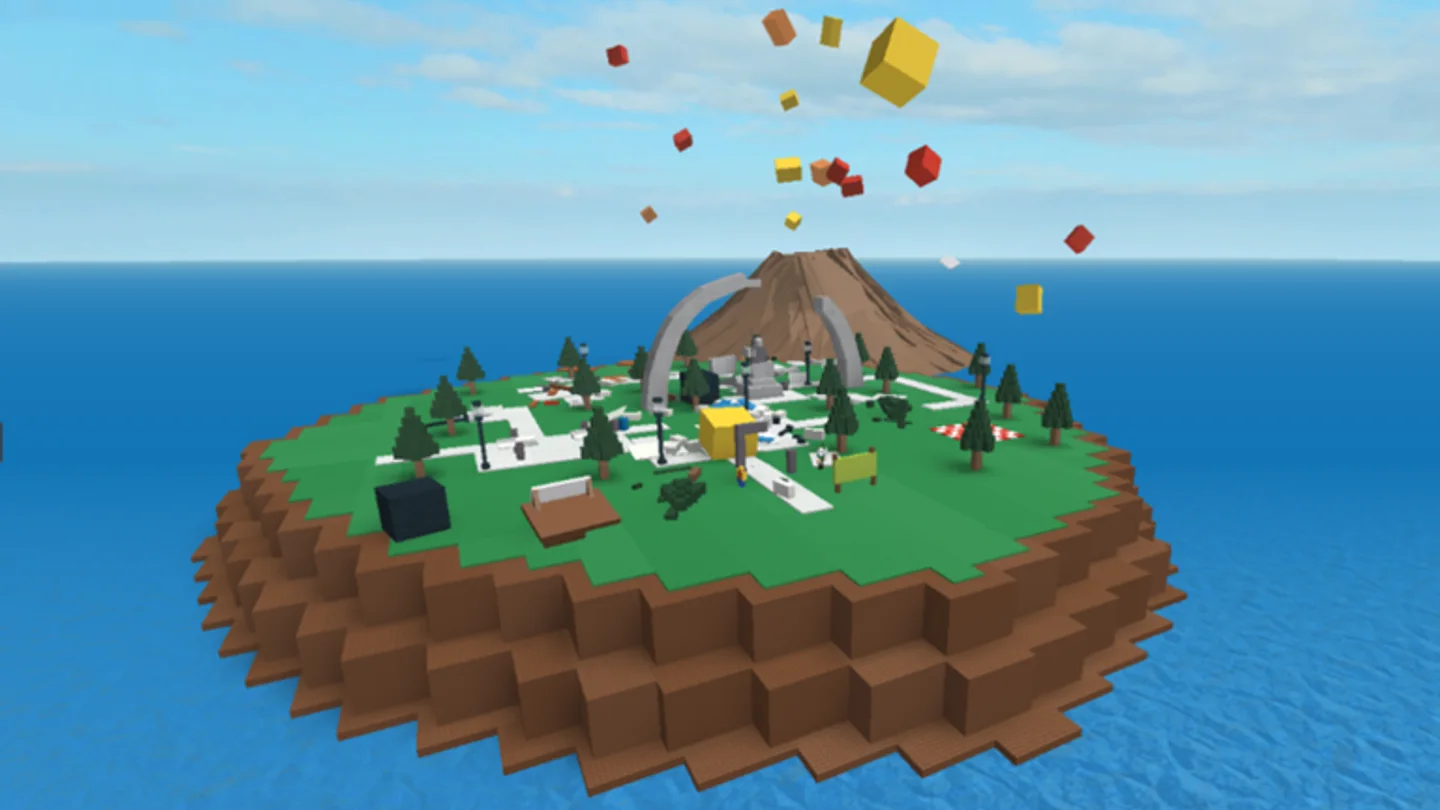
- Do the official basic scripting tutorials: deadly lava, fading trap, score points.
- Move on to the intermediate ones: health pickup, player tools, laser hit detection and save data.
- Work through the Coding Fundamentals series (coding 1 to 6), which covers functions, events, if statements and ModuleScripts.
- Build something tiny of your own, like an obby with kill bricks and a checkpoint counter.
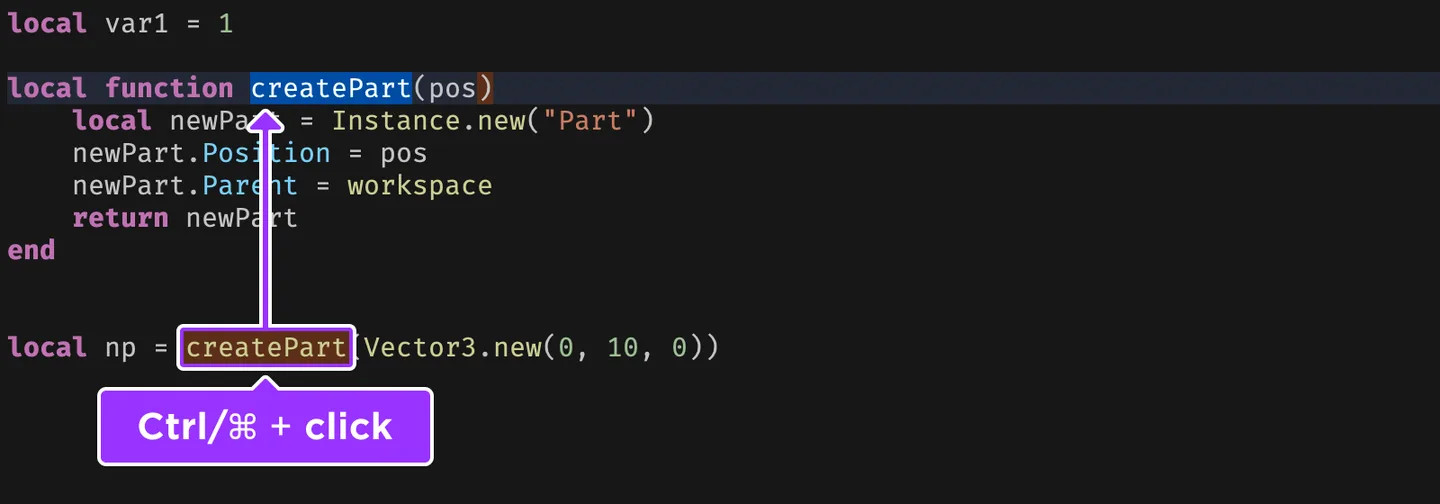
Using AI while you learn
AI can write a lot of Luau for you now. Studio’s Assistant creates and edits scripts inside your place, and Code Assist suggests the next lines as you type (Alt+\ on Windows, Option+\ on Mac, Tab to accept). Use them, but read every line they produce, the same way you read the examples above. Code you understand is code you can fix. Our AI script generator guide covers prompts and checks, and if you outgrow the Script Editor, Rojo lets you script in VS Code with Git.
For ready-made examples, our Roblox Studio scripts library has 13 copy-paste scripts, each checked against the Creator Docs.
Roblox Scripting FAQ
What language does Roblox use for scripting?
Roblox uses Luau, a language derived from Lua. Studio's Code Assist can sometimes suggest plain Lua, so check suggestions against the Luau docs.
Where should I put my scripts in Roblox Studio?
Server code goes in a Script inside ServerScriptService. Client code goes in a Script with RunContext Client or a LocalScript in a starter container such as StarterPlayerScripts. Shared code goes in ModuleScripts in ReplicatedStorage.
What is the difference between a Script and a LocalScript?
A Script with the default Legacy run context runs on the server. A LocalScript runs on one player's device. Roblox's docs say to use LocalScripts sparingly.
Can I save player data while testing in Studio?
Only after you publish the game and turn on File › Experience Settings › Security › Enable Studio Access to API Services. Use a test copy, not your live game.
Can AI write Roblox scripts for me?
Yes. Studio's Assistant and Code Assist write Luau inside Studio, and outside tools like Claude can too. See our AI script generator guide.
Keep building
Every guide, newest first Roblox Studio Scripts: 13 Free Copy-Paste Luau Scripts Checked Against the DocsFree copy-paste Luau scripts for Roblox Studio: kill brick, leaderstats, coins, saving, doors, teleports, game passes and more, each checked against the docs.Scripts Library9 min read
 How to Make a Roblox Obby: Checkpoints, Kill Bricks and a Finish LineBuild a Roblox obby in Studio: block out stages, add kill bricks, checkpoints and a finish, then use Assistant or the Studio MCP to script and test it faster.Game Types6 min read
 How to Make a Roblox Game Step by Step: Your First Obby in One AfternoonA click-by-click beginner tutorial: install Roblox Studio, open Baseplate, build an obby, add a kill brick script, playtest with F5 and publish it privately.Beginners4 min read
 Roblox AI Script Generator: Write Luau Scripts With AIWays to generate Roblox scripts with AI: Studio Assistant, Code Assist, and Claude or Cursor through MCP, plus prompts and checks before you trust the code.Scripts Library4 min read
 Rojo for Roblox: Script in VS Code and Sync to StudioSet up Rojo for Roblox: install with Rokit or the VS Code extension, add the Studio plugin, run rojo serve, click Connect, then build place files.Scripting4 min read
 How to Make a Roblox Game: The Full Process, With and Without AIInstall free Roblox Studio, start from a template, build, script, test, then publish from File › Publish. Every stage explained, plus where AI tools help.Beginners7 min read