Roblox AI Game Maker: Every Way to Make a Roblox Game With AI
The real Roblox AI game makers: Build on mobile, Assistant in Studio, Studio MCP with Claude or Cursor, plus Higgsfield for art, video and fast prototypes.
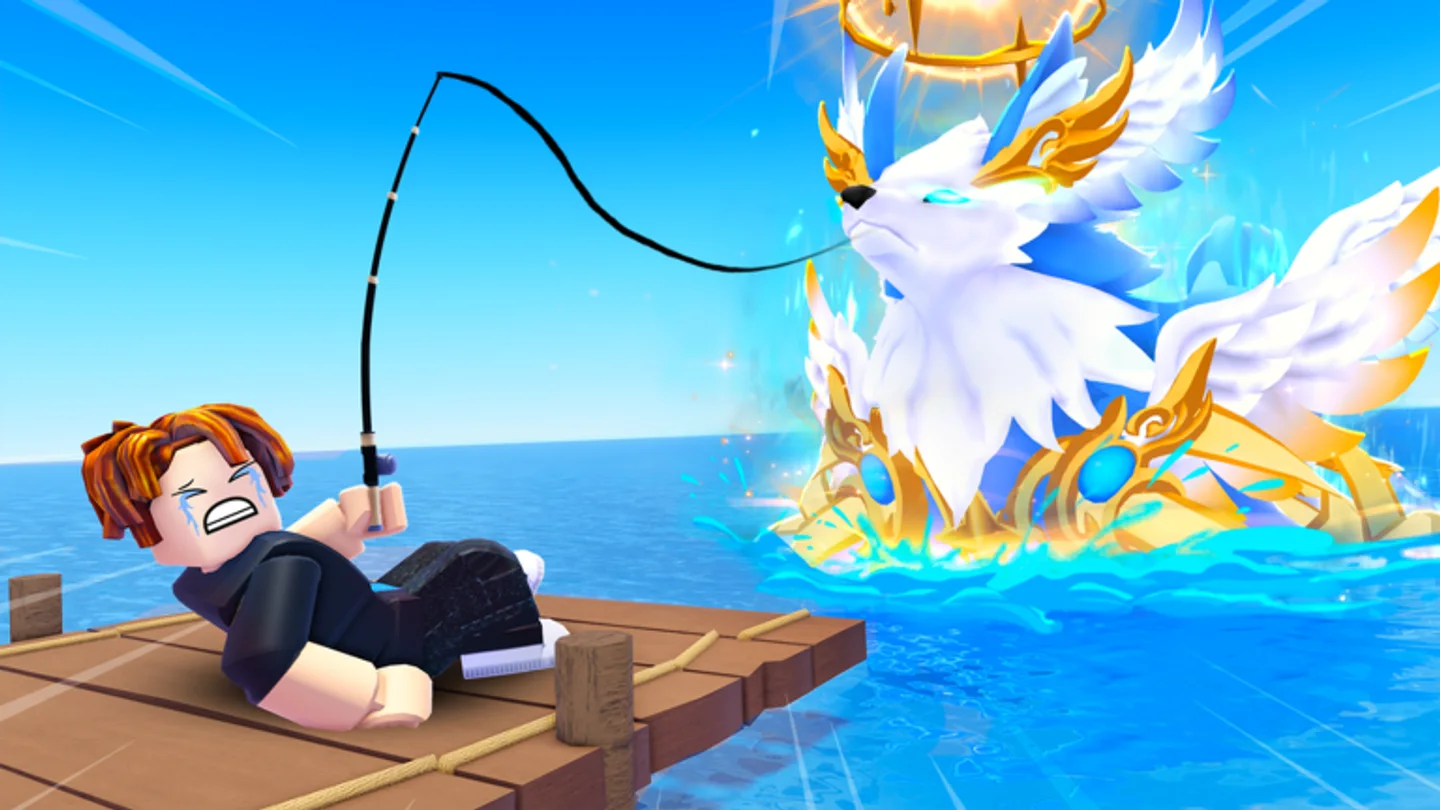
Inspiration, the kind of finished game to aim for: Fish It! by Fish Atelier (image from its Roblox page)
On this page7
The closest thing to a one-prompt Roblox AI game maker is Roblox Build, a tab in the Roblox mobile app that makes small 2D and 2.5D games from chat and publishes them to your profile. For full 3D games, the working setup is Roblox Studio with Assistant, plus an outside agent such as Claude or Cursor connected through the Studio MCP server. Image and video tools like Higgsfield fill in the art and marketing side, and Higgsfield Games can give you a fast playable prototype, though that prototype runs on Higgsfield, not Roblox.
Here is each option, what it really produces, and which one fits you.
Quick facts
- Phone, no code
- Roblox Build (2D/2.5D)
- In Studio
- Assistant
- Outside agent
- Claude/Cursor + Studio MCP
- Art and video
- Higgsfield via its MCP
- Web prototype
- Higgsfield Games (not Roblox)
Option 1: Roblox Build (mobile, no code)
Build is Roblox’s own AI game creator. Open the Build tab in the Roblox mobile app and type what you want, such as “A clicker game where I collect coins and buy speed upgrades.” It handles gameplay, characters, environments, sound and achievements, and generates a playable game in real time.
What it covers right now: 2D and 2.5D clickers, arcade games, collect-and-score games, side-scrollers and puzzle games. Roblox says more genres, including 3D, are coming. To publish, tap Publish, a quick safety check runs, and the game goes live on your profile. Build games are set for players 16+ by default.
Costs: each message is one prompt, you get a set number of free prompts per day, and you can buy more credits with Robux. Roblox has not published the exact free prompt count or the credit price. Access is for users aged 9 and older with a completed age check, rolling out gradually starting with New Zealand. One creator per game, no co-editing.
More in our Roblox Build guide.
Option 2: Assistant inside Roblox Studio
Assistant is the AI chat built into Studio on desktop. Click Assistant on the right of the mezzanine bar and ask. It writes and runs Luau on your place, so it can build objects, write scripts, make UI, insert Creator Store assets, and generate meshes, materials and procedural models.
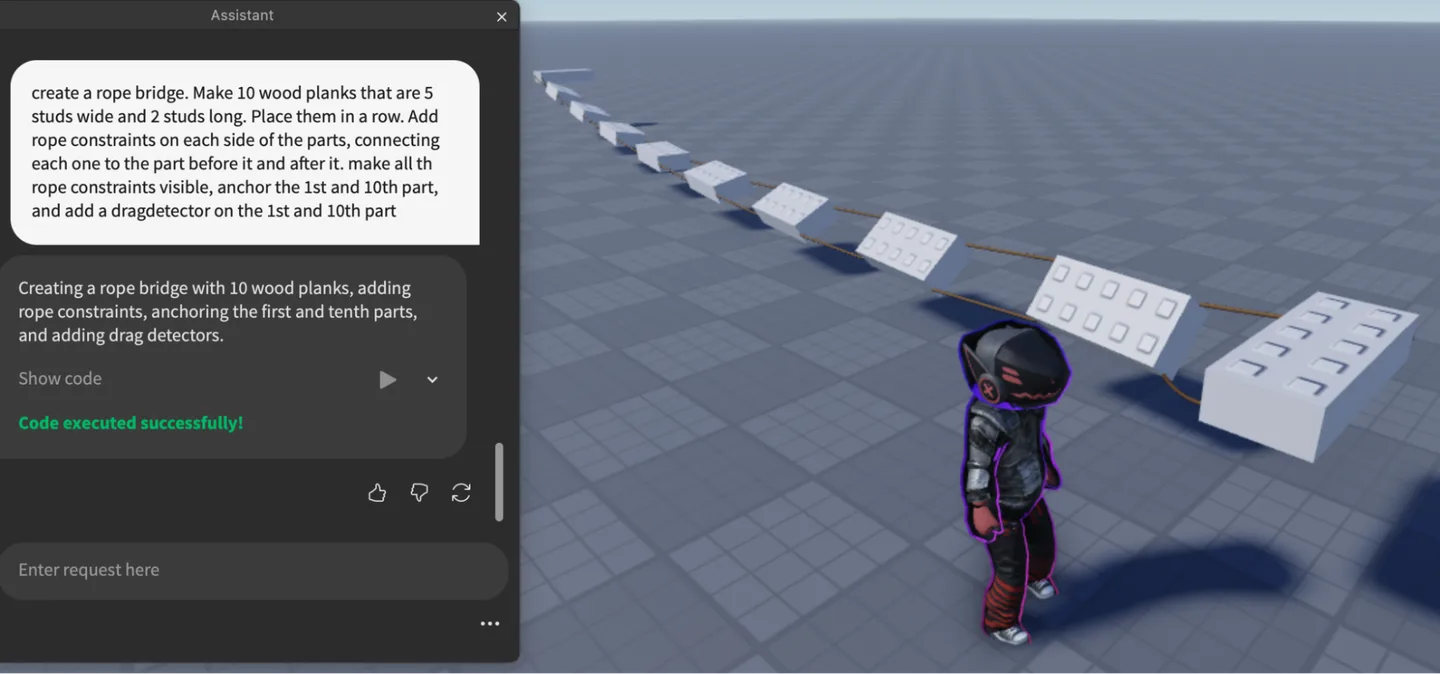
It does not make a whole game in one message. You build feature by feature: a map, a spawn area, a coin system, a shop UI. Planning Mode (/plan) helps on bigger features because it writes a plan you can edit and runs nothing until you click Build. Assistant can also use your own Anthropic, OpenAI or Google Gemini key through Manage API Keys. Full steps in Roblox Assistant.
Option 3: Claude or Cursor through the Studio MCP server
This is the option most experienced creators move to. Studio has a built-in MCP server you enable in Assistant › … › Manage MCP Servers. Then an outside agent (Claude Desktop, Claude Code, Cursor, Codex CLI, Gemini CLI and others) can read your game tree, edit scripts, run Luau, start a playtest, move the character, read the console and save the place.
The advantage is that the agent can test its own work. It writes a script, plays the game, sees the error in the output and fixes it. Paired with Script Sync, your scripts live as .luau files on disk that your editor and Git can track. Roblox’s own “Build with a coding harness” guide walks through this with VS Code or Cursor.
Claude
CodeConnects to Studio over MCP and can write, run and playtest Luau in your place.
- Free tier
- Pro $20/mo (checked Nov 2026)
Cursor
CodeListed in Studio's Quick connect and used in Roblox's coding-harness guide.
- Free tier
Setup is in Roblox Studio MCP.
Adding Higgsfield to the MCP setup
Studio’s AI makes the game. It does not make your game icon, thumbnails or a trailer. Higgsfield is an image and video generator with its own MCP server, so you can connect it to the same Claude or Cursor session as the Studio MCP and handle both from one chat.
The flow looks like this:
- Connect Higgsfield’s MCP (
https://mcp.higgsfield.ai/mcp) in Claude under Settings › Connectors › Add custom connector, or in Cursor under Customize › Marketplace. You sign in with your Higgsfield account; it needs a paid plan and uses plan credits. - Ask Claude for a square icon, a few 16:9 thumbnails, a flat texture image for a sign or wall, or a short promo video.
- Download the results from your Assets on higgsfield.ai.
- Bring them into the game: have Claude upload images through Studio’s MCP tools (
upload_image, oropen_cloud_invokefor a published game), or add them yourself in Studio and the game settings.
Higgsfield AI
Images and videoGenerates icons, thumbnails, texture images and promo video, and connects to Claude or Cursor through its own MCP server.
- Free tier
- Paid plans from $19/mo (checked Nov 2026)
Affiliate link: we may earn a commission if you subscribe, at no extra cost to you. How this works.
Higgsfield makes images and video, not 3D model files, so meshes still come from Studio’s generators or a 3D tool.
Option 4: Higgsfield Games for a quick prototype
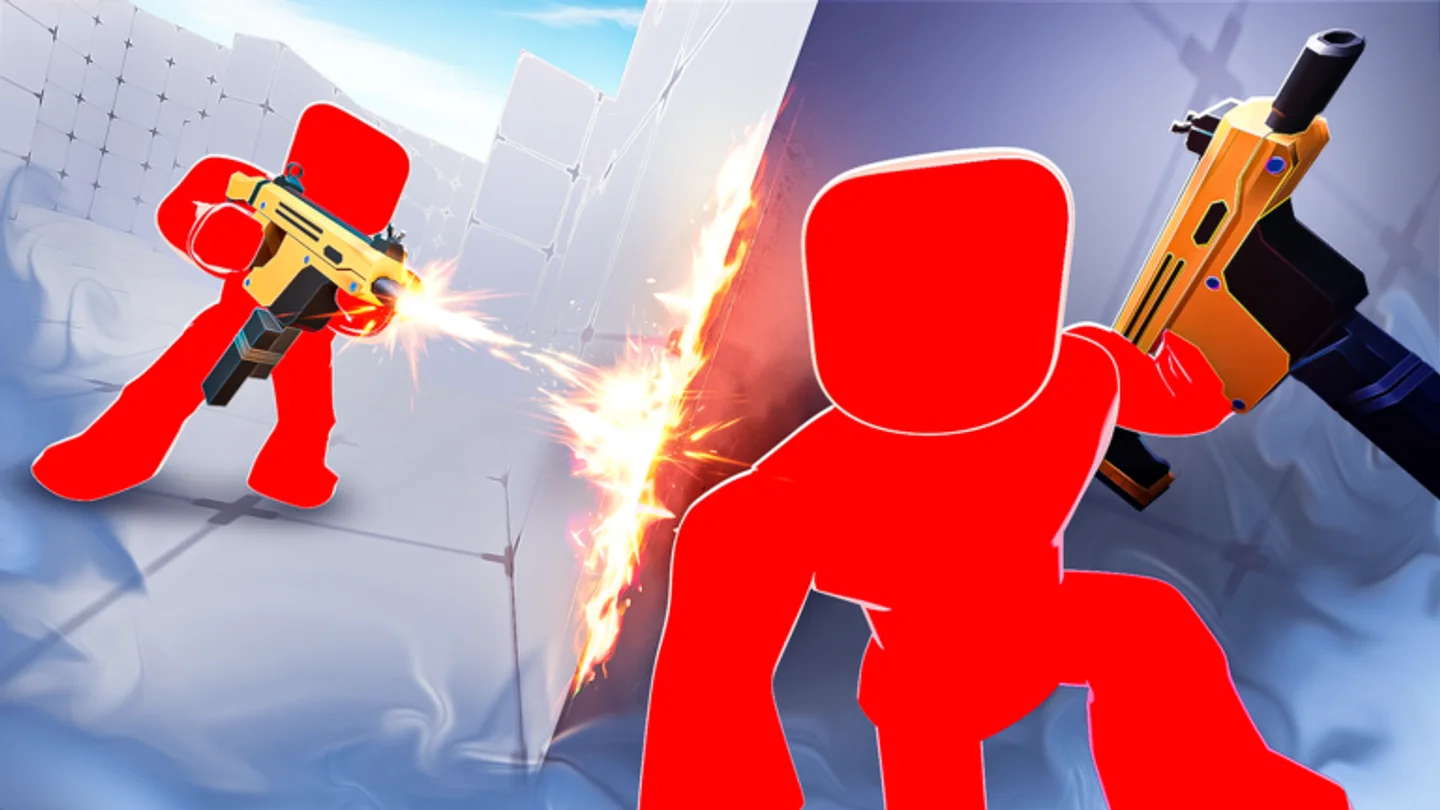
Higgsfield Games builds a browser game from one prompt. Higgsfield says its agent “plans it, writes the code and logic, generates the assets, and deploys the result automatically,” with a shareable link and an optional multiplayer toggle. It is built through Higgsfield’s Supercomputer, a ChatGPT plugin, or its MCP, and Higgsfield says a game starts at around 70 credits ($3.50) on average.
Be clear on what this is: the game runs on Higgsfield’s own hosting in the browser. It is not a Roblox experience, and no Higgsfield page mentions exporting to Roblox or Studio. We also could not confirm any download format for generated game assets. Where it helps a Roblox creator is testing an idea fast (does the loop feel fun?) before you spend days building it properly in Studio, and generating images and video along the way. The full walkthrough is in Higgsfield Games with Claude and MCP.
Which one should you pick?
- Only a phone and a simple 2D idea: Build.
- A computer, new to Studio: Assistant, one feature at a time.
- A real 3D game you plan to grow: Claude or Cursor through the Studio MCP, with Script Sync and Git.
- Testing whether an idea is fun before committing: a Higgsfield Games prototype, then rebuild in Studio.
Whichever you pick, you will still playtest, fix and publish yourself. Our how to make Roblox games with AI guide puts the whole workflow in order.
Roblox AI Game Maker FAQ
Is there an official Roblox AI game maker?
Yes. Roblox Build is a tab in the Roblox mobile app that turns a chat into a playable 2D or 2.5D game you can publish. See Roblox Build.
Can AI make a 3D Roblox game?
Build does not do 3D yet (Roblox lists it as coming). For 3D, use Roblox Studio with Assistant or an outside agent like Claude or Cursor through the Studio MCP server.
Can Higgsfield Games make a Roblox game?
No. Higgsfield Games builds browser games hosted by Higgsfield, not Roblox experiences. It is useful for quick prototypes and for images and video you then bring into Studio.
Can I edit a Roblox Build game in Studio?
Yes, but opening it in Studio permanently turns it into a standard Studio game and removes its Build status.
Which AI game maker should a beginner use?
If you only have a phone, Build. If you have a computer, start with Roblox Assistant in Studio, then add Claude or Cursor through MCP once your project grows.
Keep building
Every guide, newest first How to Make Roblox Games With AI, From Idea to Published GameMake a Roblox game with AI: plan with Claude, build in Studio with Assistant and MCP, make art in Higgsfield, then playtest and publish. Every step in order.AI Tools5 min read
 How to Make a Roblox Game: The Full Process, With and Without AIInstall free Roblox Studio, start from a template, build, script, test, then publish from File › Publish. Every stage explained, plus where AI tools help.Beginners7 min read
 Roblox Assistant: How to Use the AI Helper in Roblox StudioOpen Roblox Assistant from the mezzanine bar in Studio and type a request. It builds objects, writes scripts and inserts assets. Commands, Plan mode, Skills.AI Tools4 min read
 Roblox AI: Every AI Feature in Roblox and Roblox StudioRoblox AI covers Assistant, Code Assist, mesh, material and texture generators, Avatar Setup, the Studio MCP server and Build. What each does and where it is.AI Tools5 min read
 Roblox Studio MCP: Connect Claude, Claude Code or Cursor to StudioTurn on Roblox Studio's built-in MCP server in Assistant, then connect Claude Desktop, Claude Code or Cursor. Config for Windows and Mac, tools, Higgsfield.AI Tools5 min read
 Make a Game With Higgsfield Games and Claude Over MCP, Then Bring the Assets to RobloxConnect Claude to the Higgsfield MCP to prototype a game idea and generate art fast, then move images, textures and video into Roblox Studio. What runs where.AI Tools5 min read