
Meshy AI to Roblox: Generate a 3D Model and Import It Into Studio
Make a model in Meshy, export FBX or GLB, keep it under 20,000 triangles, and bring it into Roblox Studio with the 3D Importer. Settings, textures and fixes.
Image: Greenville RP by Greenville, Wisconsin (Roblox)
On this page9
To get a Meshy model into Roblox, generate it in Meshy, export it as FBX (or GLB), make sure each mesh is under 20,000 triangles, then open Roblox Studio and use File > Import to bring it in with the 3D Importer. Textures from an FBX or glTF come along, and the model arrives as a MeshPart you can place, scale and script like any other part. The rest of this page covers each step and the problems you are likely to hit.
Meshy
3D modelsText or image to a textured 3D model, with FBX, OBJ and GLB export that Studio accepts.
- Free tier
- Pro from $20/mo billed monthly (checked Nov 2026)
- Exports FBX, OBJ, GLB, USDZ, STL
Quick facts
- Studio formats
- .fbx, .obj, .gltf, .glb
- Triangle limit
- 20,000 per mesh
- Max texture size
- 1024x1024
- Meshy free plan
- 100 credits/month, CC BY 4.0
- Meshy Pro
- $20/mo billed monthly (Nov 2026)
What Meshy does
Meshy is an AI 3D generator. Its pricing page lists text-to-3D, image-to-3D, AI texturing, and rigging and animation (20 animations on the free plan). It exports FBX, OBJ, USDZ, GLB, STL, Blend and 3MF. For Roblox, the ones that matter are FBX, GLB and OBJ.
Its free plan gives 100 credits a month and licenses what you make under CC BY 4.0, which means you must give credit. Paid plans start at Pro, $20 a month billed monthly (shown at $12 a month yearly during a Black Friday sale), as of November 2026. Check Meshy’s pricing page for current terms before you ship a game with free-plan models.
Step 1: Generate the model
- Pick text-to-3D or image-to-3D. An image of the object from the front, on a plain background, usually gives a more predictable shape.
- Describe one object, not a scene. A chair, a sword, a crate. Roblox games are built from many small meshes, and each one has its own triangle limit.
- Ask for a low-poly or game-ready style if Meshy offers that option in its interface.
- Apply AI texturing if the model came back untextured.
Step 2: Export for Roblox
Export as FBX if you might add animation, since Roblox’s specifications allow animation on any .fbx mesh export. GLB is fine for static props. Use OBJ only for simple meshes, because FBX and glTF are the formats that carry multiple meshes, hierarchies, PBR textures and rigs.
Blender
3D modelsFree tool for reducing triangles and fixing scale before the Roblox import.
- Free tier
- Exports FBX, OBJ, GLB
If you go through Blender, Roblox’s export guide says: File > Export > FBX (.fbx), set Path Mode to Copy and turn on Embed Textures, set Transform > Apply Scalings to FBX Unit Scale, and under Armature turn off Add Leaf Bones. Our Blender to Roblox guide explains each setting.
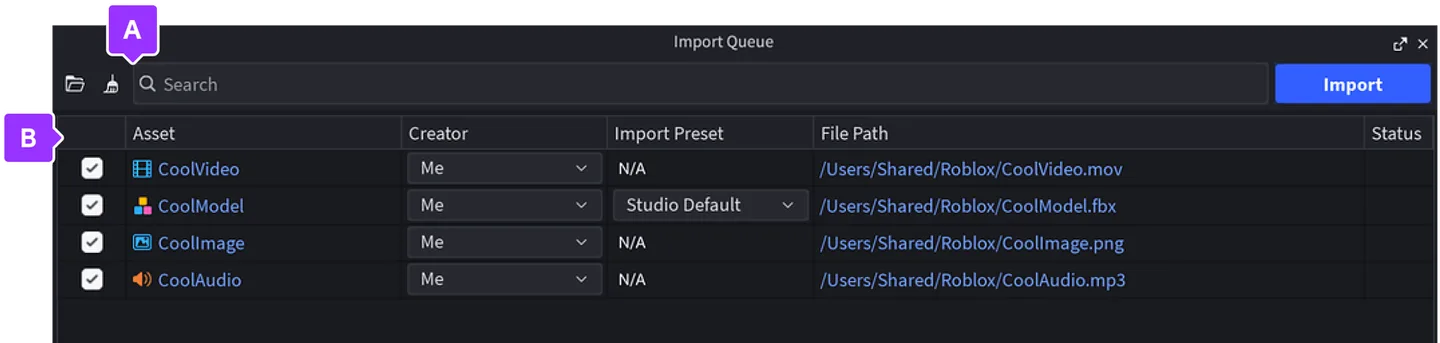
Step 3: Import into Roblox Studio
- Open your place in Studio.
- Go to File > Import (the avatar docs also show Home > Import).
- Pick your .fbx or .glb file.
- In the Import Preview window, check the hierarchy and the inspector for warnings.
- Under File General, keep Upload To Roblox on so the mesh and textures become assets you own.
- Press Import.
Step 4: Fix textures and materials
An imported model with PBR maps gets a SurfaceAppearance, which holds a ColorMap (albedo, including transparency), NormalMap, MetalnessMap and RoughnessMap. If your model shows up gray, the textures did not embed. Re-export with textures embedded, or upload the image maps yourself and set them on a SurfaceAppearance inside the MeshPart.
Roblox’s texture specifications cap textures at 1024x1024 and suggest about 256x256 per 2x2x2 stud space. A 2K or 4K map from Meshy is more than Roblox will use, so downsize it.
You can also skip Meshy’s texture and use Studio’s own Texture Generator: select the mesh, open the Model tab, choose Texture, and type a prompt. Fast mode gives a 1K diffuse texture in under 30 seconds.
Step 5: Set collision and render fidelity
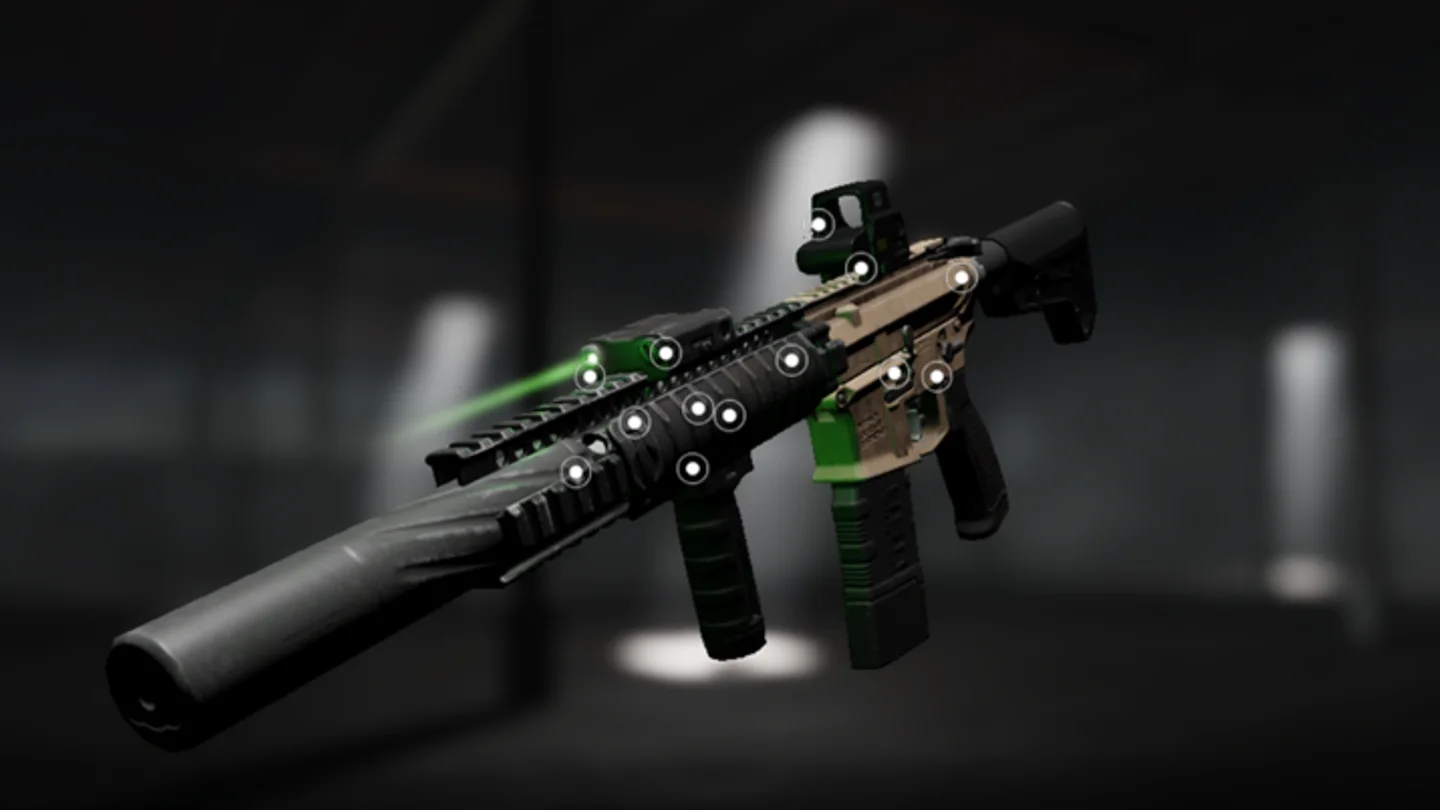
MeshParts have a CollisionFidelity property. For a decorative prop, a simple box collision is cheaper. For something players walk on or around closely, a more precise setting fits better. RenderFidelity controls how detailed the mesh looks at distance.
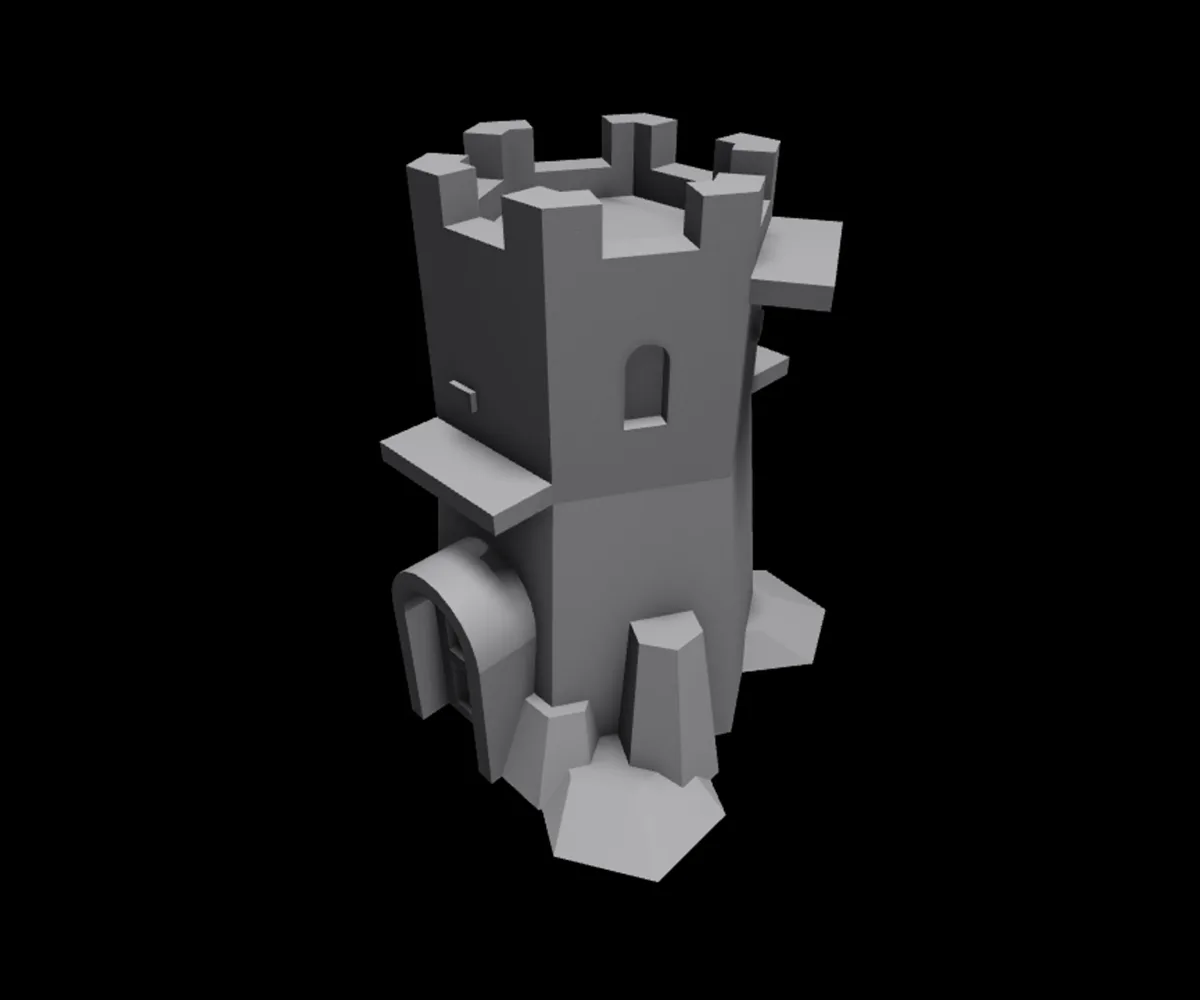
Rigged characters
If Meshy rigged your character, you can import it and run Studio’s Avatar Setup from the Avatar tab. Roblox says auto-setup handles R15 rigging, skinning, facial animation, caging, splitting into 15 body parts and attachments, and can take several minutes. Studio also has its own text-to-avatar route through the MCP generate_avatar tool. For animation, see how to animate in Roblox Studio.
Common problems
- Model too big or too small. Scale it in Studio, or fix the export scale in Blender with FBX Unit Scale.
- Import fails. Check triangle count first, then the file format.
- Faces look inside out. Recalculate normals in Blender and export again.
- Model is one huge mesh. Split it into parts so each stays under the limit and can have its own collision.
For other generators and how they compare, see AI 3D model generators for Roblox.
Meshy to Roblox FAQ
What file format should I export from Meshy for Roblox?
FBX or GLB. Roblox's 3D Importer accepts .fbx, .obj and .gltf, and .glb also imports. FBX and glTF carry multiple meshes, PBR textures and rigs.
Why won't my Meshy model import into Roblox?
The most common cause is triangle count. Each mesh must be under 20,000 triangles. Reduce it in Meshy or Blender and try again.
Is Meshy free for Roblox games?
Meshy's free plan gives 100 credits a month, and free models use the CC BY 4.0 license, which requires credit. Pro is $20 a month billed monthly as of November 2026.
Can a Meshy model be a Roblox avatar?
A rigged humanoid can go through Studio's Avatar Setup tool, which auto-rigs to R15, skins and cages it. See how to animate in Roblox Studio.
Does Roblox have its own AI model generator?
Yes. Assistant in Studio can generate meshes and procedural models directly, with no import step. See Roblox Assistant.
Keep building
Every guide, newest first The Best AI 3D Model Generators for Roblox StudioWhich AI 3D model generators work for Roblox: Roblox's own mesh generation, Meshy, Rodin, Scenario and Tripo, compared on export formats, free tiers and price.Assets and Models3 min read
 Blender to Roblox: Export Settings and Import StepsMove models from Blender into Roblox Studio: official FBX export settings, 3D Importer steps, triangle and texture limits, and Roblox's Blender plugin.Assets and Models4 min read
 Roblox Assets and the Toolbox: Find Free Models SafelyUse the Roblox Studio Toolbox and Creator Store for free assets, manage your own with Asset Manager, import 3D files and audio, and spot unsafe models.Assets and Models4 min read
 Make a Game With Higgsfield Games and Claude Over MCP, Then Bring the Assets to RobloxConnect Claude to the Higgsfield MCP to prototype a game idea and generate art fast, then move images, textures and video into Roblox Studio. What runs where.AI Tools5 min read
 How to Make Roblox Games With AI, From Idea to Published GameMake a Roblox game with AI: plan with Claude, build in Studio with Assistant and MCP, make art in Higgsfield, then playtest and publish. Every step in order.AI Tools5 min read
 Roblox AI Game Maker: Every Way to Make a Roblox Game With AIThe real Roblox AI game makers: Build on mobile, Assistant in Studio, Studio MCP with Claude or Cursor, plus Higgsfield for art, video and fast prototypes.AI Tools4 min read